Condential
4-9
HD25/HD25LV/HD25e
- Screen size: No concern
- Display mode: ECO mode
After repairing each unit, a Ru
n-in test is necessary (refer to the below table).
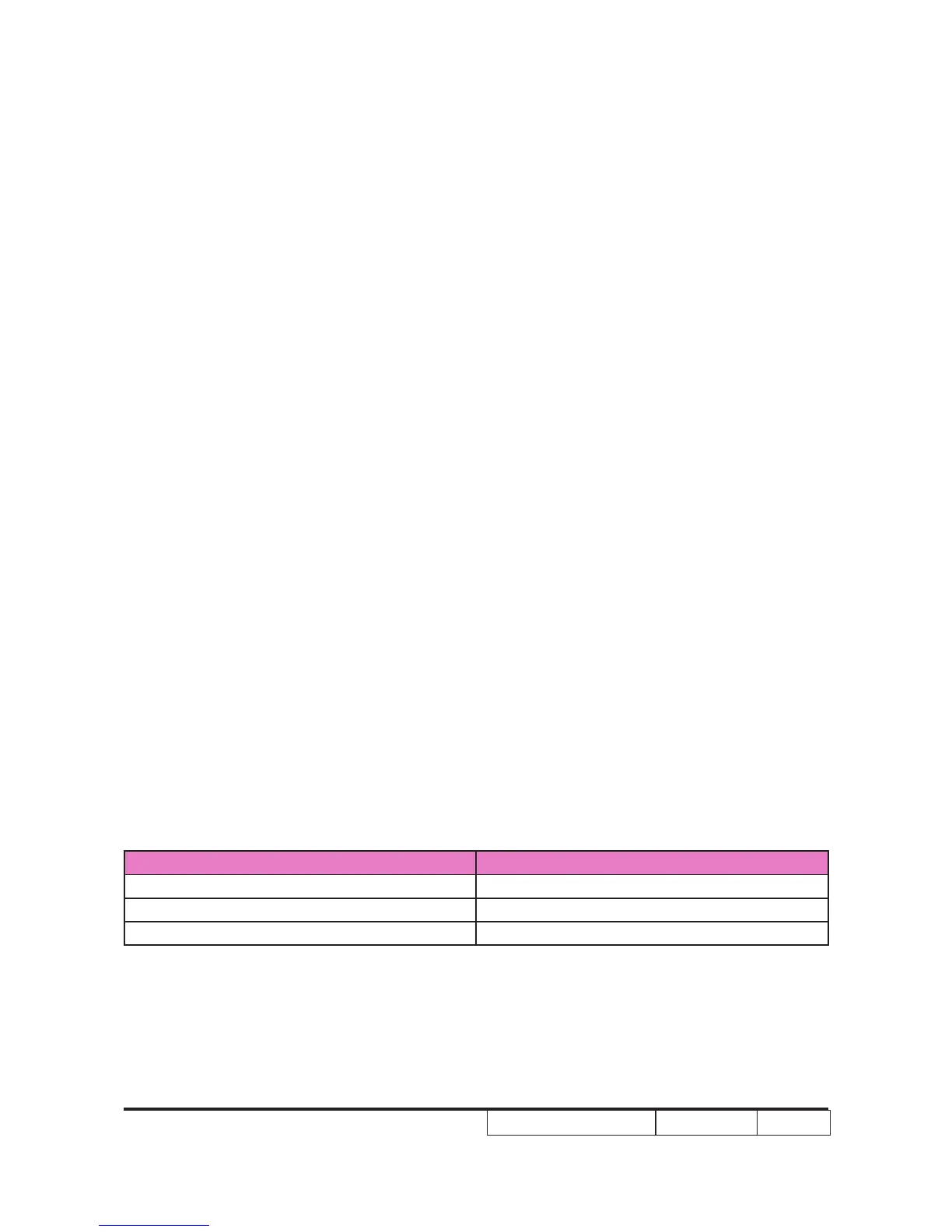
Symptom Run-in Time
Normal repair 2 hours
NFF 4 hours
Auto shutdown 6 hours
- Get into Burn-In Mode
* Cycle setting is based on the defect symptoms. ie: If it is NFF, the run-in time is 4 hours. You have
to set the lamp on for 50 min. and lamp off for 10 min for 4 cycles.
4-4-5 HDMI Port Test
Procedure - Test equipment: DVD Player with HDMI output.
- Test signal: 720p, 1080p, 1080i
Inspection item - HDMI performance test.
Inspection Distance - 1.4 M ~1.6M.
Criteria - Ensure the image is well performed and the
color can not discolor.
- Check whether "mute" is normal.
4-5-6 3D Test
Procedure - Test equipment: 1. Blue-Ray DVD player & 3D format CD
- Test signal: 1080i�50Hz�50Hz
Inspection item - 3D test (HDMI)
Inspection Distance - 3~5 M
Criteria - The image should not appear noise, icker shadow, shocking,
abnormal color.
4-5 Run In Test
- Temperature: 15°C~35°C
- Circumstance brightness: Normal environment



 To Next Page