HD25/HD25LV/HD25e
5-1
Chapter 5
Firmware Upgrade
Section 1: System Firmware Upgrade
5-1-1 Equipment Needed
Software: (DDP4422-USB)
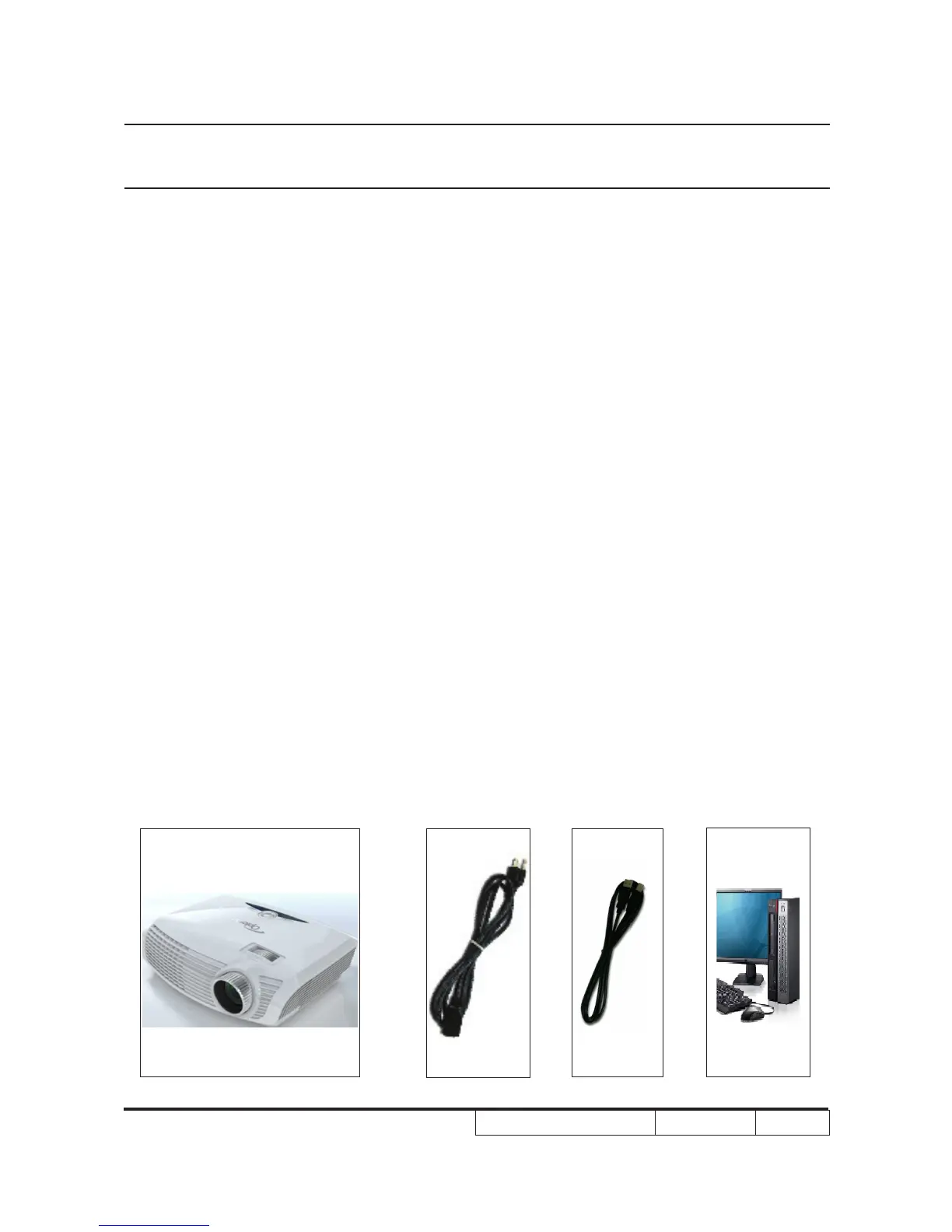
Hardware:
Note1: we will show the hot key of fw mode and how to check FW version,the other contents
please refer to common manual 5-1 .
Note2: During FW upgrade procedure,please select "64KB" in "Skip Boot Loader Area".
Note3: Put "11.0.2 FlashDeviceParameters” le into the folder where you setup “DLP Composer
Lite 11.0.2"



 To Next Page