English
19
User Controls
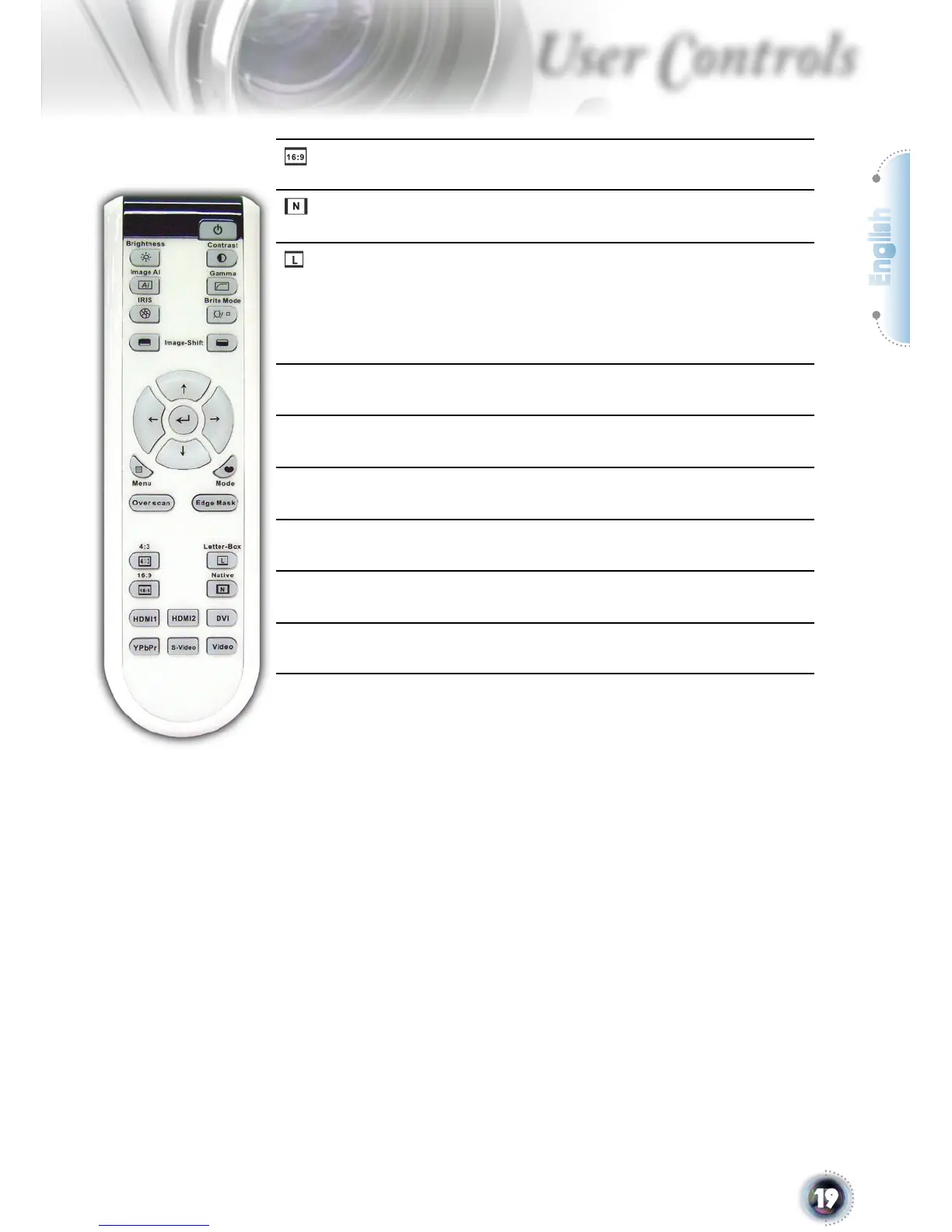
16:9
Scale the image at a 16:9 aspect ratio.
Native
The input source will be displayed without
scaling.
Letter-Box
Enable the viewing of the letterboxed non-
anamorphically enhanced movie at full
screen width. Part of the original image will
be lost if the image aspect ratio is less than
2.35:1.
DVI
Press “DVI” to choose Analog and Digital
Signal source from DVI connector.
HDMI1
Press “HDMI1” to choose source from
HDMI1 connector.
HDMI2
Press “HDMI2” to choose source from
HDMI2 connector.
YPbPr
Press “YPbPr” to choose Component video
source.
Video
Press “Video” to choose Composite video
source.
S-Video
Press “S-Video” to choose S-video source.



 To Next Page