32
User Controls
Menu Location
Choose the menu location on the display screen.
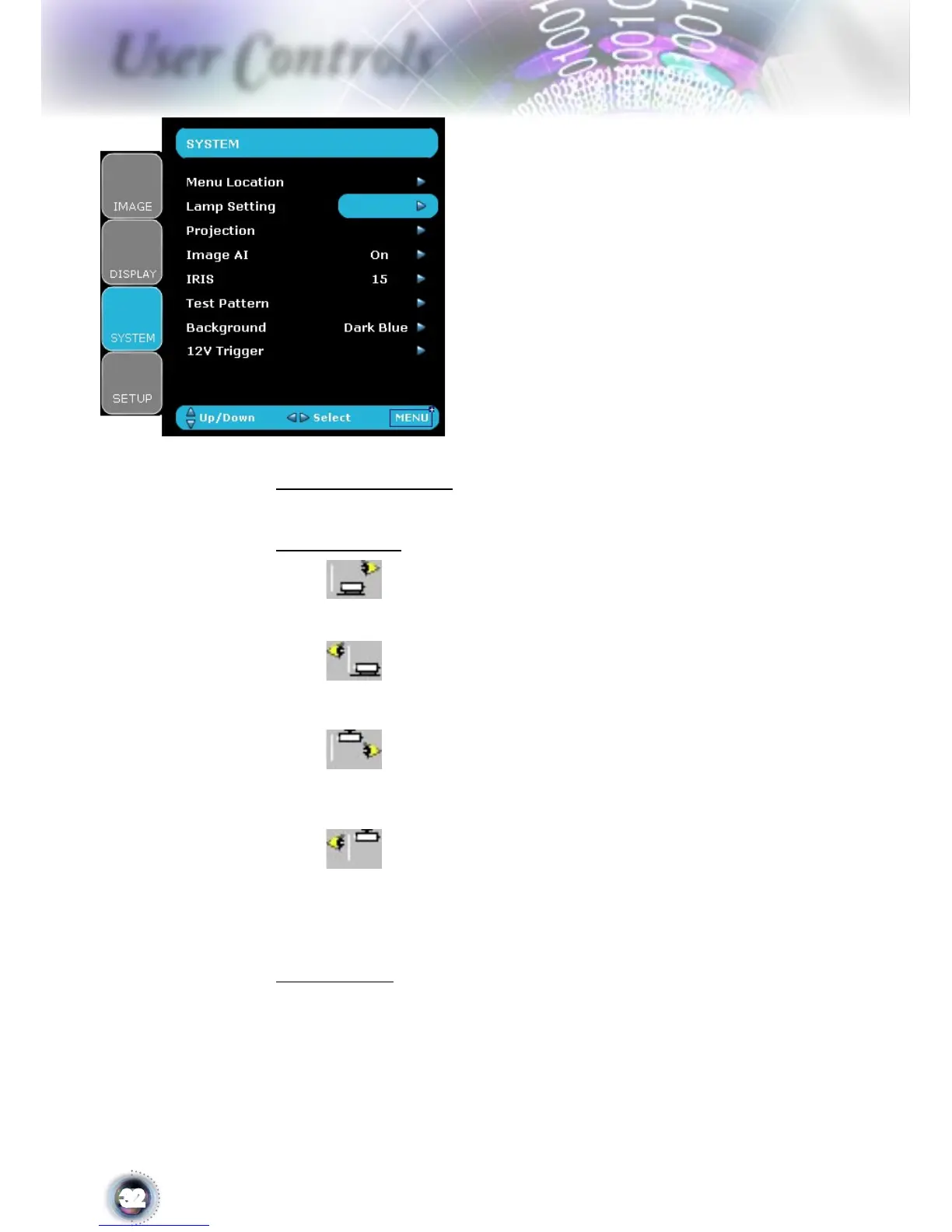
Projection
Front-Desktop
The factory default setting.
Rear-Desktop
When you select this function, the projector reverses the image
so you can project behind a translucent screen.
Front-Ceiling
When you select this function, the projector turns the image
upside down for ceiling-mounted projection.
Rear-Ceiling
When you select this function, the projector reverses and turns
the image upside down at same time. You can project from be-
hind a translucent screen with ceiling mounted projection.
Image AI
Image AI improves the contrast of the picture by optimizing the
brightness of the lamp according to the picture content.
On: The dynamic image performance manager is active in mak-
ing sure your greatest pleasure from seeing a movie dynamically
System



 To Next Page