English
33
User Controls
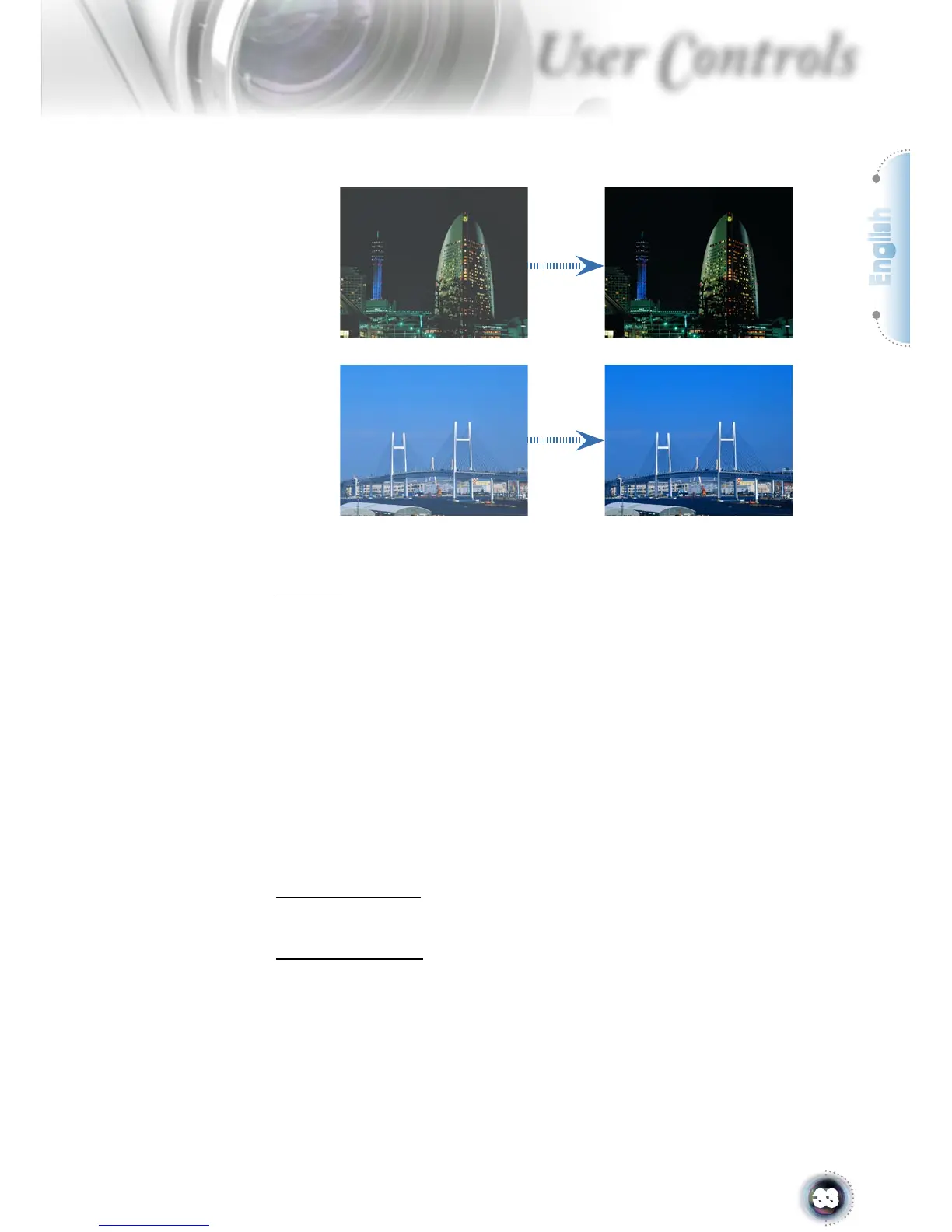
with the most dark details revealed, vivid and bright image
performed all the way.
Off: The dynamic image performance manager is on standby.
IRIS
The iris function adjusts the contrast optically by opening and
closing the lens aperture. The iris can be switched between Off
(Close) and On (Open).
When you press the IRIS button, the current setting appears. When
pressing it again while the setting is being displayed, the setting can
be changed. It takes about 6 seconds for the iris to shift between Off
(0) state and On (1-16) state.
1-16: When 1-16 steps is selected, black levels of the image are
reproduced with more clarity though the brightness is lowered.
There are 16 step for you adjust.
0: When 0 is selected, the image becomes brighter.
Test Pattern
Displays a test pattern. There are Grid, White pattern and None.
Background
Use this feature to display a “Dark Blue”, “Black”, “Gray”or “Start
Logo” screen when no signal is available.



 To Next Page