14
Connections
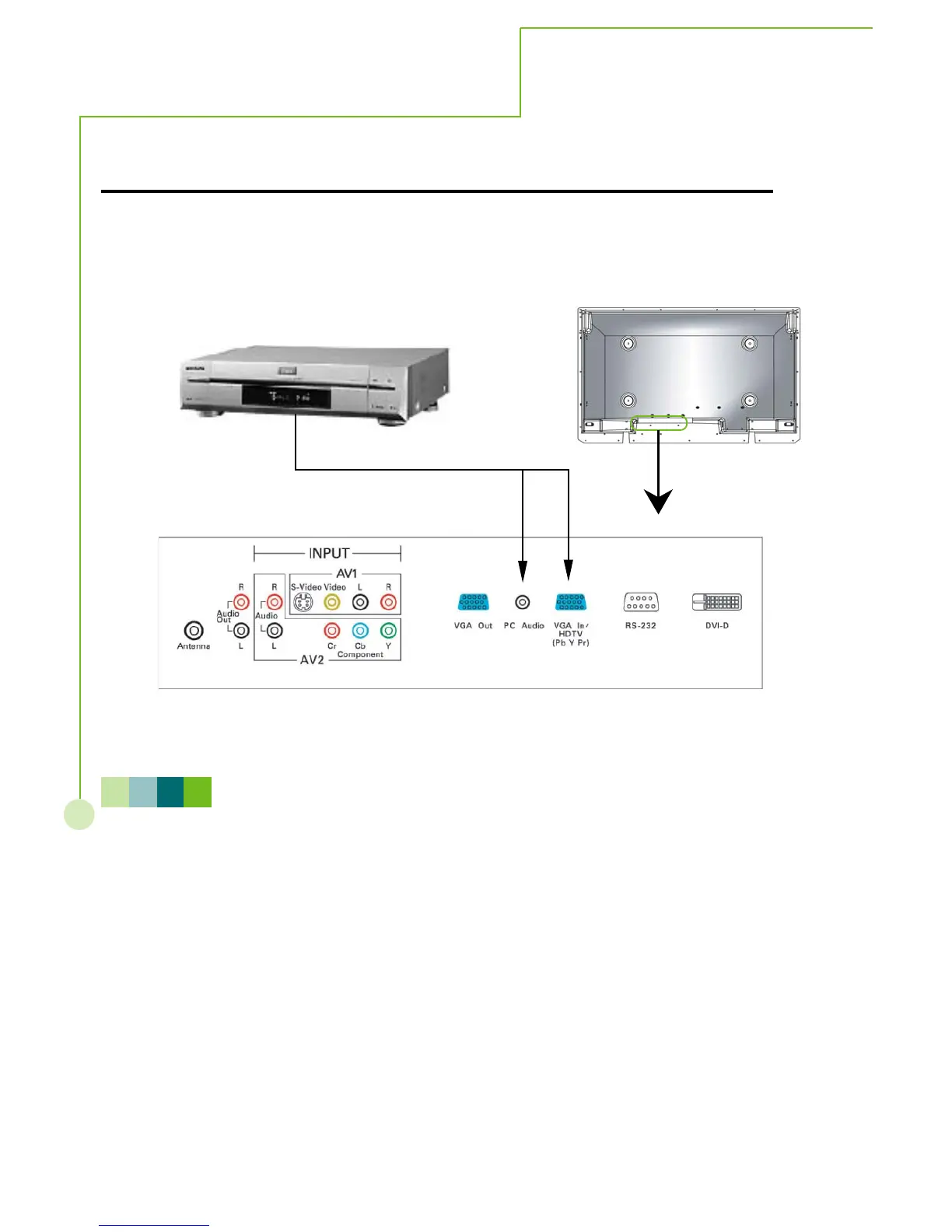
How to connect the HDTV
For HDTV Tuner or D-VHS user, please connect Y, Pb, Pr cable to VGA IN/HDTV input.
N O T E
You may need a VGA-to-Y,Pb,Pr adapter to connect VGA IN/ HDTV input with HDTV .
For better picture quality, please use YCbCr connector for 480i signal.



 To Next Page