25
Press the MENU/EXIT to call up on screen display and
then useWXbutton to select the audio function.
Step 2 :
Press theTbutton to enter the sub-selection and then
useSTbutton to select audio items.
Step 3 :
Selecting one of audio items then pressWXbutton to
adjust audio performance. All adjustments made will be
automatically saved after adjusting.
Step 4 :
Press MENU/EXIT button to exit, re-pressing MENU/
EXIT button to exit main menu.
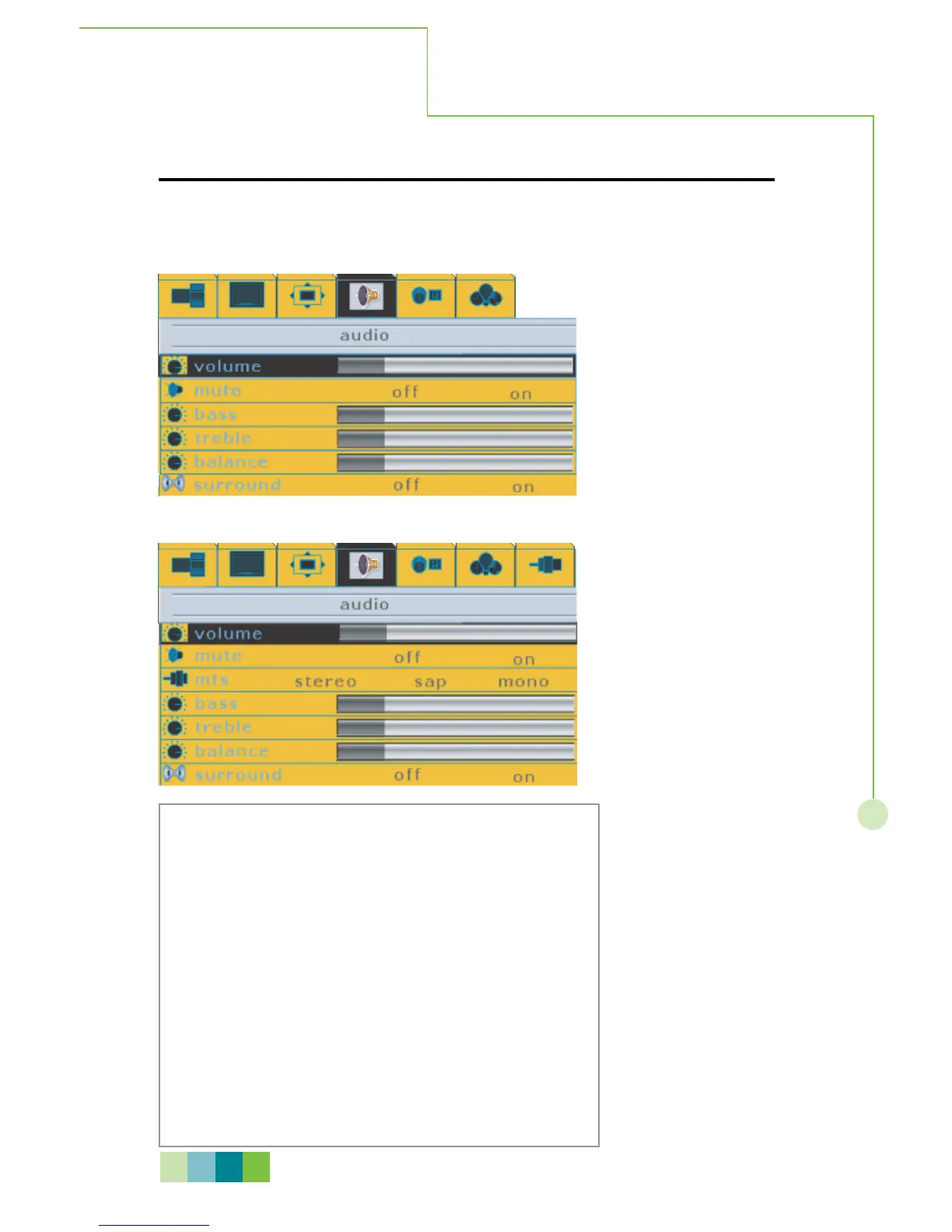
1. During Video, analog RGB, digital RGB, HDTV input signal modes
During TV input signal mode
AUDIO
This menu allows the user to adjust the sound settings to suit the program being viewed
or to suit the user preference.
On - Screen Menu
N O T E
Please refer to next page for detailed OSD operation information.



 To Next Page