24
On - Screen Menu
Format
. Full : The picture will be enlarged to take up the entire screen area, Suitable for HDTV
programs and compressed 16x9 DVD programs.
. Native : Simply displays the picture the way it is being transmitted without any
modifications. Unused portions of the screen will be left in black.
. 4:3 : This format will enlarge picture signals to 1024 x 768 in the center of the screen.
Unused portions of the screen will be left in black.
. Stretch : This format uses non-linear scaling to extend a normal 4 x 3 picture signal s
that the left and right edges of the picture are stretched to encompass the full width of th
screen area.
. Wide : This format is used to view feature films, which are normally viewed with a
screen ratio of 2.35.
H I N T
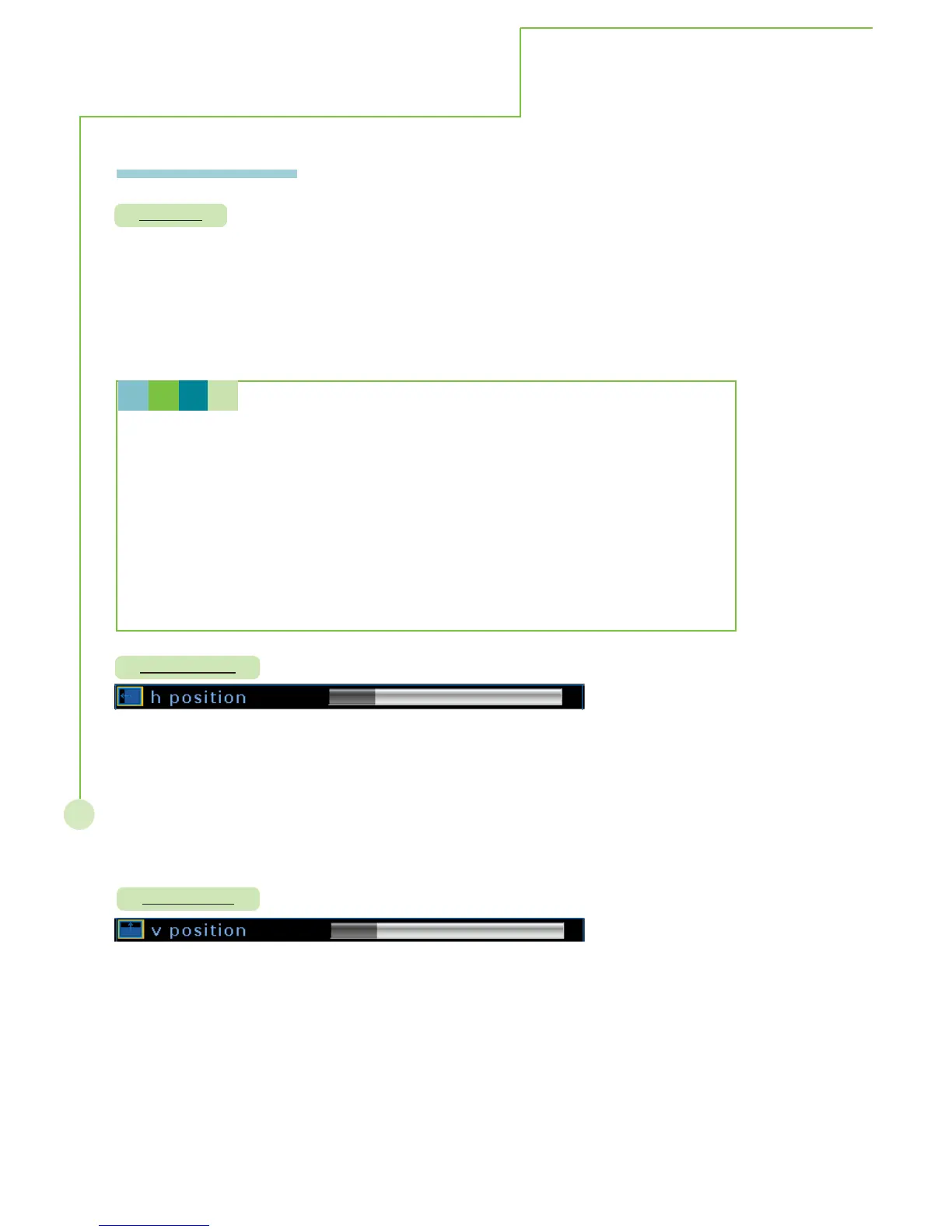
H. position
V. position
More Information
Description: Alter the dimentions of the screen image.
Steps: Selecting format item then press
WX button to select full, 4:3, stretch, wide
and native selection, re-pressing MENU/EXIT to exit sub menu.
Mode: This function operates in every mode.
Description: Adjust horizontal position.
Steps: Selecting H. position item then press WX button to enter the function. The
H. position bar appears on the bottom of screen, selecting WXbutton to
adjust horizontal position. Re-pressing MENU/EXIT to exit adjusting.
Mode: This function works only in PC analog mode.
Description: Adjust horizontal position.
Steps: Selecting H. position item then press
WX button to enter the function. The
H. position bar appears on the bottom of screen, selecting WXbutton to
adjust horizontal position. Re-pressing MENU/EXIT to exit adjusting.
Mode: This function works only in PC analog mode.



 To Next Page