28
Press the MENU/EXIT button to call up on screen displa
and then useWXbutton to select the settings function.
Step 2 :
Press the
Tbutton to enter sub-selection and then
use
STbutton to select settings items.
Step 3 :
Selecting one of settings items then press
WXbutton to
adjust your preferable setting. All adjustments made wil
be automatically saved after adjusting.
Step 4 :
Press MENU/EXIT button to exit, re-pressing MENU/
EXIT button to exit main menu.
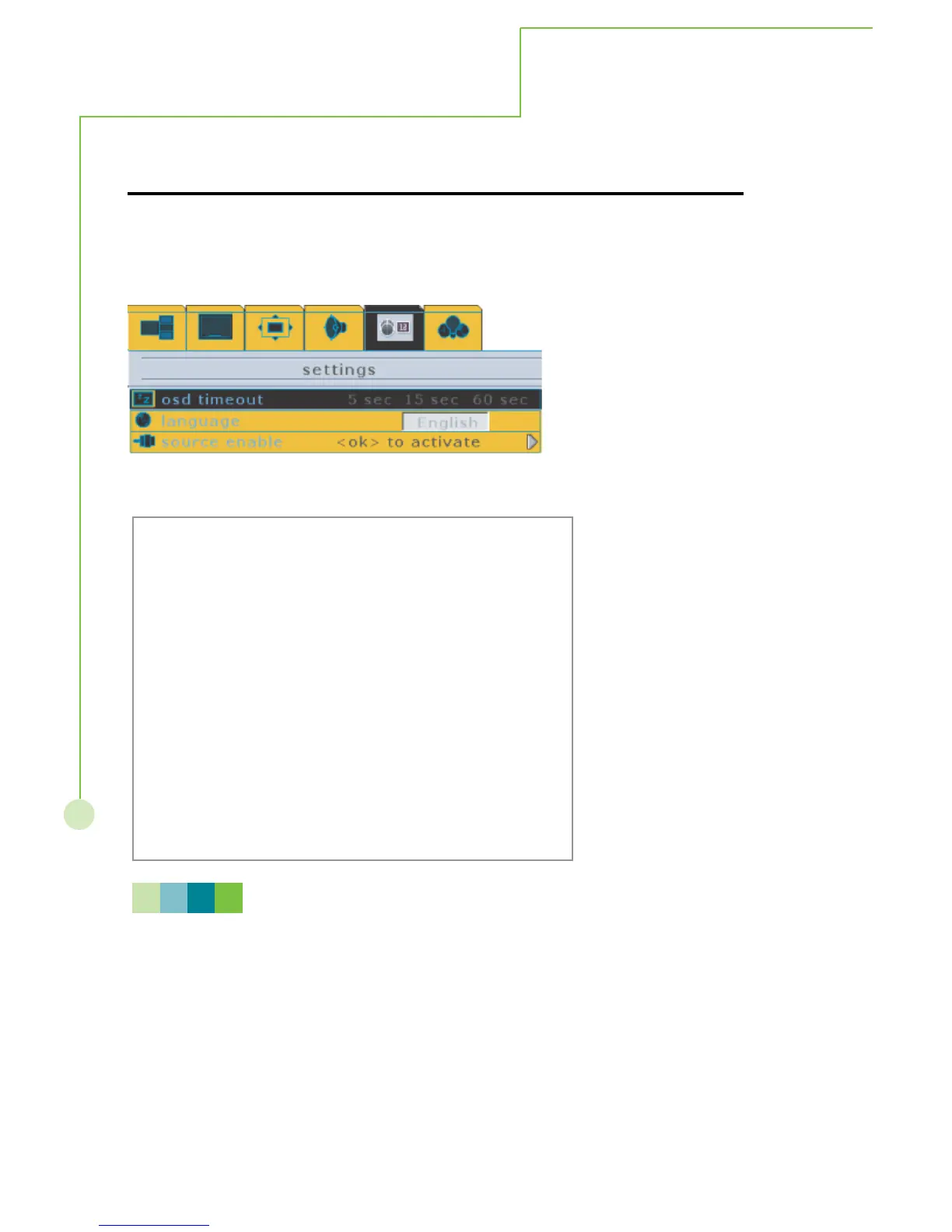
This menu allows the user to modify selections of OSD timeout, language, source select
and source enable. Refer to the next page for descriptions.
SETTINGS
On - Screen Menu
N O T E
Please refer to next page for detailed OSD operation information.



 To Next Page