18
On - Screen Menu
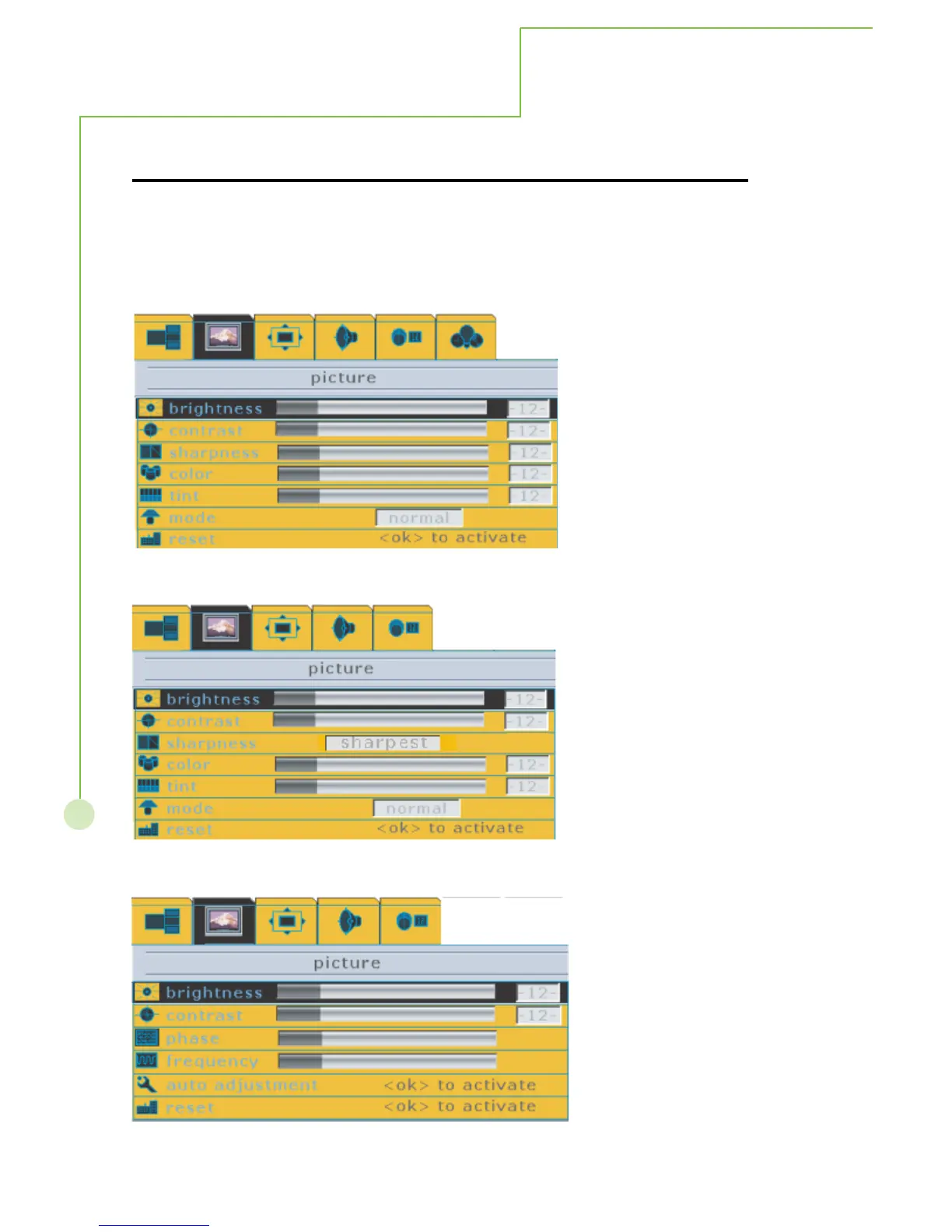
1. During Composite, S-Videio and TV input signal modes
This menu allows the user to modify the individual components of the picture quality or to
simply choose from one of several factory-present picture settings or user present settings.
And the different sources input will have different menu function, referring to
follwoing menu.
2. During YCbCr 480i input signal mode.
3. During Analog RGB input signal mode.
PICTURE



 To Next Page