19
On - Screen Menu
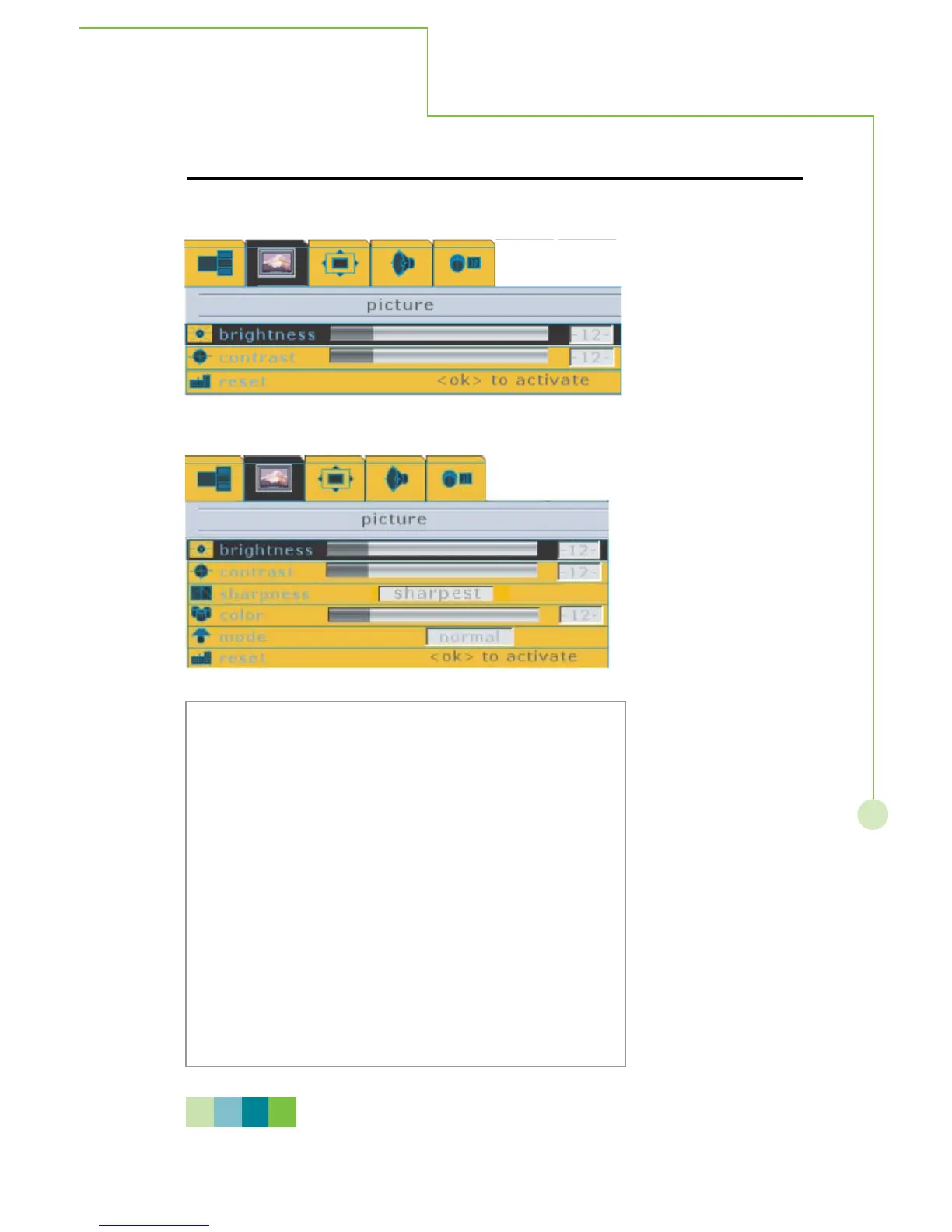
4. During Digital RGB input signal mode.
5. During HDTV input signal mode.
Press the MENU/EXIT button on the remote control to
call up on screen display and then useWXbutton to sele
the picture function.
Step 2 :
Press theTbutton to enter the sub-selection and then
use STbutton to select picture items.
Step 3 :
Selecting one of picture items then press
WXbutton to
adjust picture quality. All adjustments made will be
automatically saved after adjusting.
Step 4 :
Press MENU/EXIT to exit sub-menu, re-pressing
MENU/EXIT to exit main menu.
N O T E
Please refer to next page for detailed OSD operation information.
PICTURE



 To Next Page