20
On - Screen Menu
Brightness
Contrast
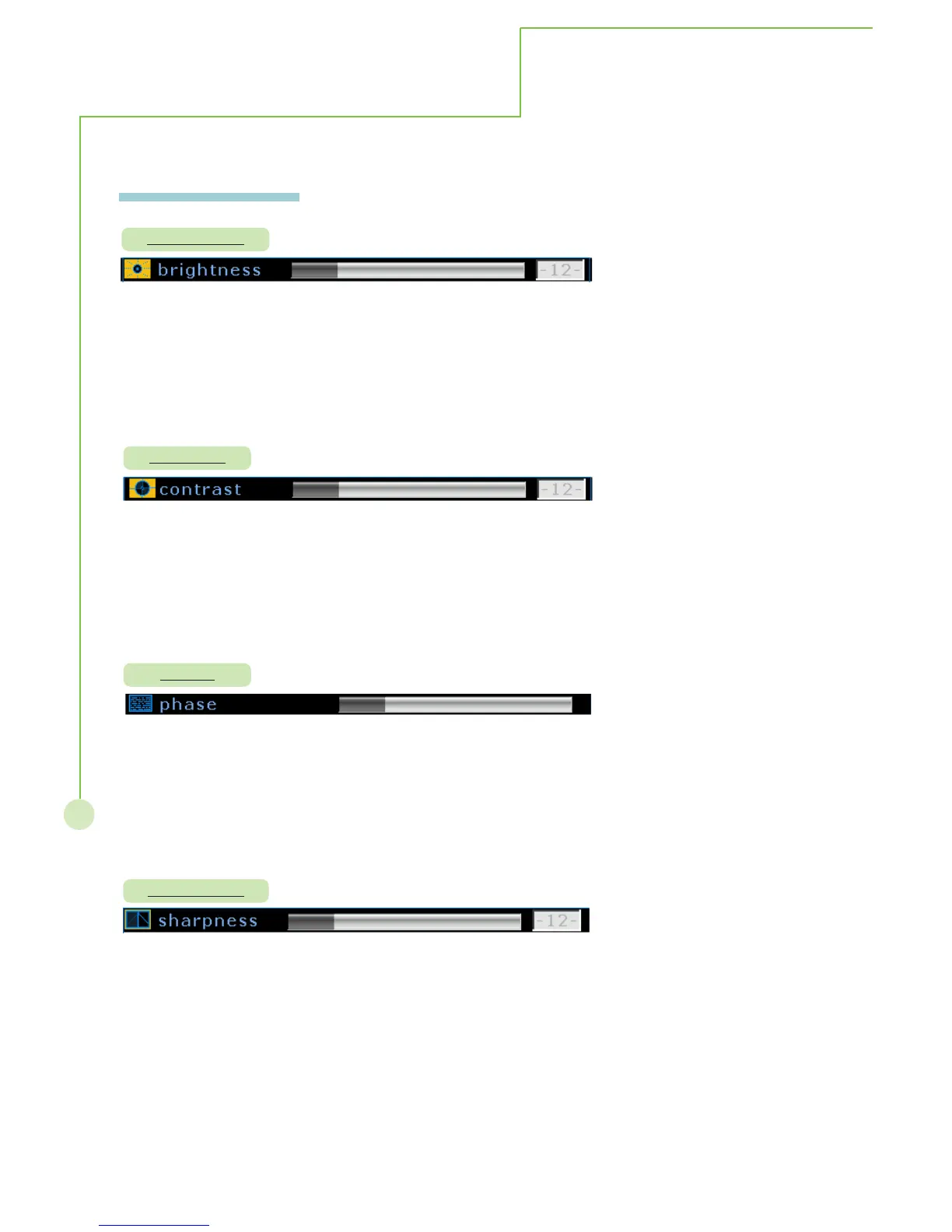
Description : Adjust for easier viewing of dark pictures such as night scences and black hair
Steps : Selecting brightness item then press
WX button to enter the function. The
brightness bar appears on the bottom of screen, selecting WXbutton to adjust
brightness range from 0 to 63. Re-pressing MENU/EXIT to exit adjusting.
Mode : This function operates in every mode.
Description: Adjust the white to black level
Steps: Selecting contrast item then press
WX button to enter the function. The
contrast bar appears on the bottom of screen, selecting WXbutton to
adjust contrast range from 0 to 63. Re-pressing MENU/EXIT to exit adjusting.
Mode: This function operates in every mode.
Description: Adjust the sharpness of image.
Steps: Selecting sharpness item then press WX button to enter the function. The
sharpness bar appears on the bottom of screen, selecting WXbutton to
adjust sharpness range from 0 to 12. Re-pressing MENU/EXIT to exit
adjusting.
Mode: This function works only in Composite, S-Video and TV modes.
Sharpness
Phase
Description: Harmonizes the signals from the plasmas dispaly and the computer
Steps: Selecting contrast item then press
WX button to enter the function. The
phase bar appears on the bottom of screen, selecting WXbutton to
adjust phase. Re-pressing MENU/EXIT to exit adjusing.
Mode: This function works only in PC analog mode.
More Information



 To Next Page