17
On - Screen Menu
- This function can be spread frame to all screen(1366 x 768).
- It is suitable to watch HDTV and 16:9 format DVD.
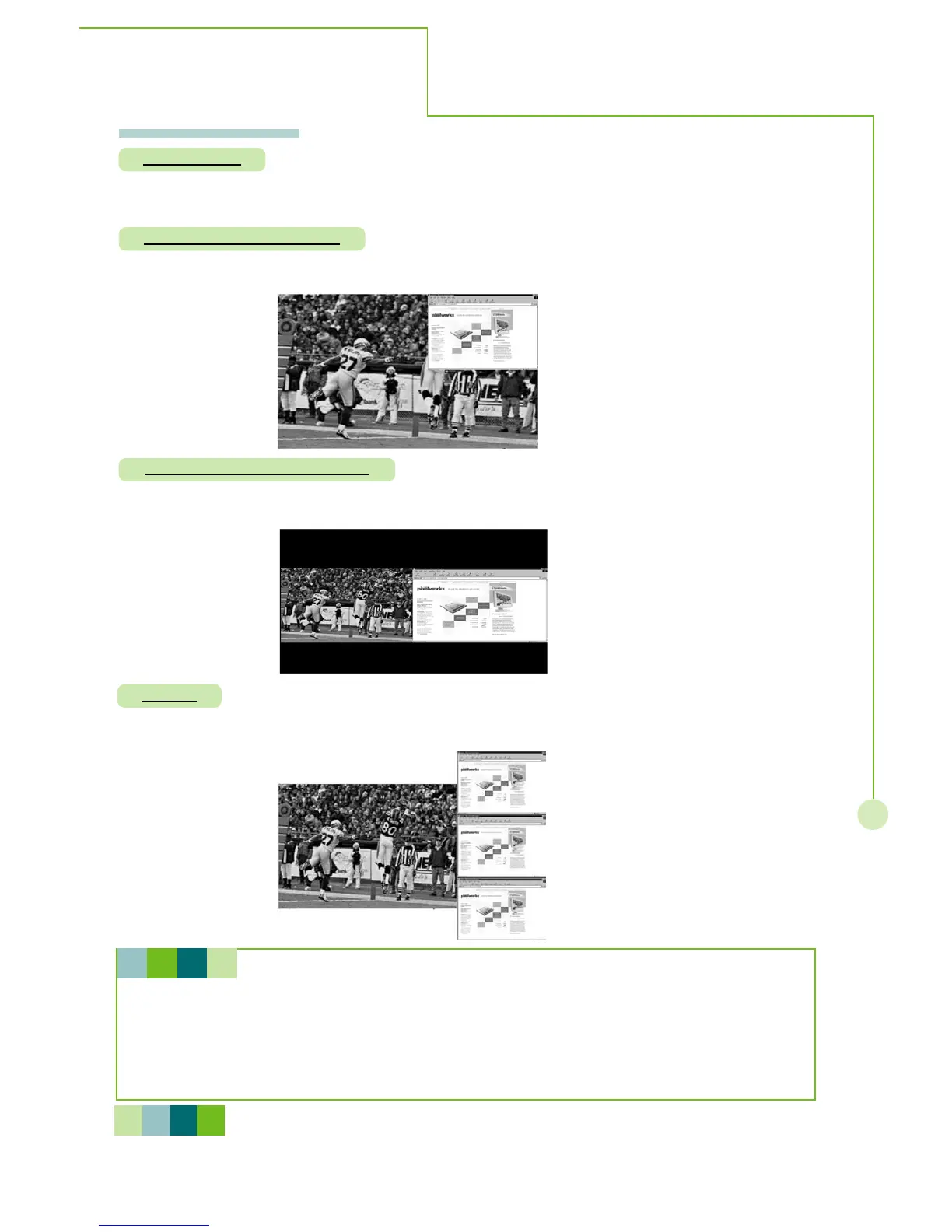
- PIP mode lets you view 2 different inputs (picture sources) on your monitor screen at the same
time. One source will be large, and another source will show a smaller inset image.
Full screen
PIP(Picture-In-Picture)
- Split screen mode lets you view 2 different inputs (picture sources) on your monitor screen at
the same time.
Split screen(side by side)
- This function lets you view 2 different inputs (picture sources) on your monitor screen at the same
time.
POP 3
Selecting a Source for the pip, split screen and pop3,
- In TV for main picture, you can select AV1, HDTV/VGA IN and DVI for sub picture.
- In AV1 for main picture, you can select HDTV/VGA IN and DVI for sub picture.
- In AV2 for main picture, you can select AV1, HDTV/VGA IN and DVI for sub picture.
- In HDTV/VGA IN for main picture, you can select TV, AV1 and AV2 for sub picture.
- In DVI for main picture, you can select TV, AV1 and AV2 for sub picture.
H I N T
N O T E
POP3 sub window only supports max. resolution up to 800x600.
It is normal if POP3 sub window displays still for 1~2 sec., this causes of source scan
circularly.
More Information



 To Next Page