29
OSD timeout
Language
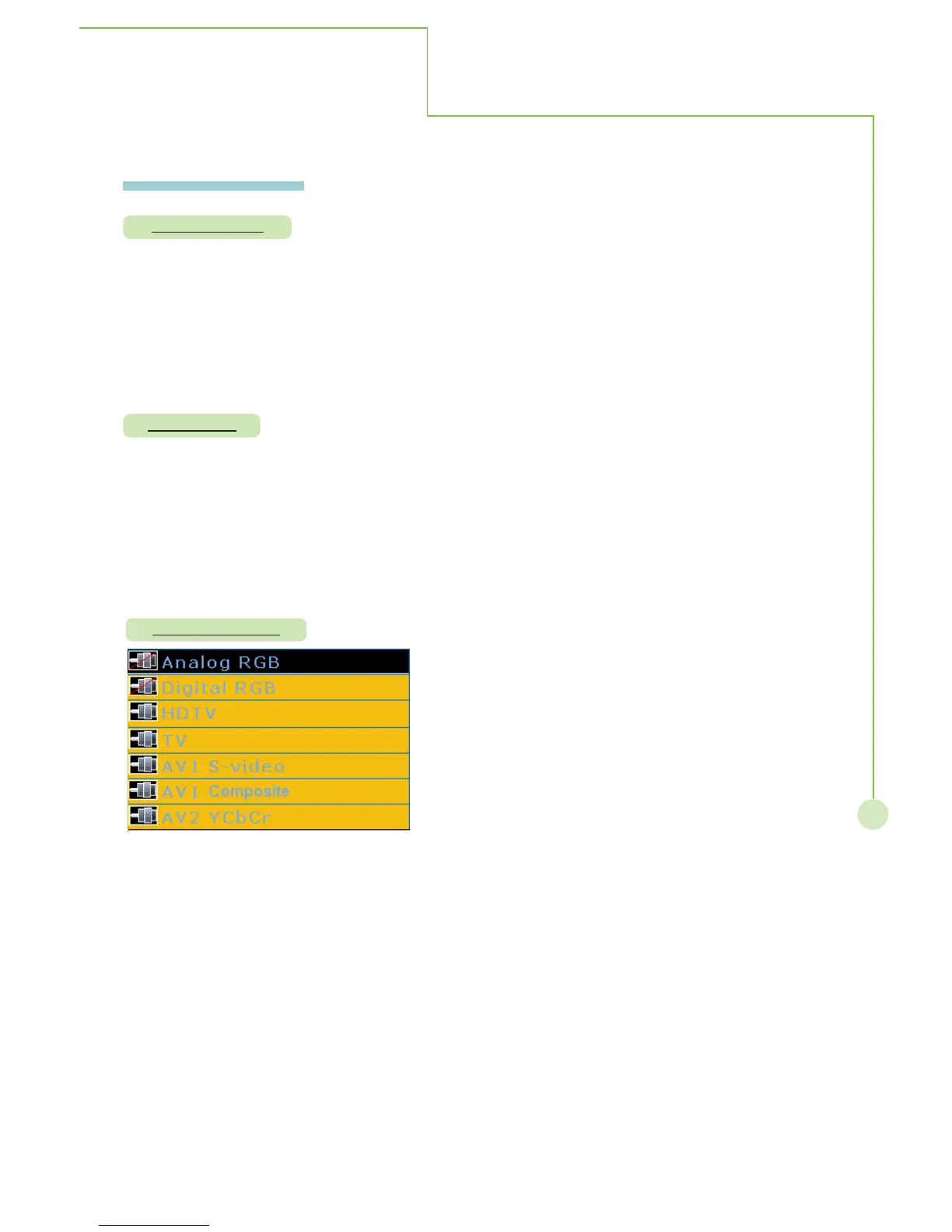
Source enable
On - Screen Menu
More Information
Description: Allows on-screen menu to disappear automatically on the screen.
Steps: Selecting OSD timeout item then press
WX button to select 5 sec., 15 sec.
or 60 sec.to change OSD disappear timing on display. To press MENU/EXIT
to exit sub menu.
Mode: This function operates in every mode.
Description: The menus can be shown on the disaply in the selected language.
Steps: Selecting language item then press
WX button to select OSD showing in
English, French and Spanish, pressing MENU/EXIT to exit sub
menu.
Mode: This function operates in every mode.
Description: Allows to enable or disable sources input.
Steps: Selecting source enable item then press OK to activate selection, pressing
STbutton to select sources of analog RGB, digital RGB, HDTV, TV, AV1 or
AV2 YCbCr. Press OK to disable source, pressing again OK to enable
source. To press MENU/EXIT to exit source selection and sub menu.
Mode: This function operates in every mode.


 To Next Page
 Loading...
