26
On - Screen Menu
Volume
Mute
Bass
Treble
More Information
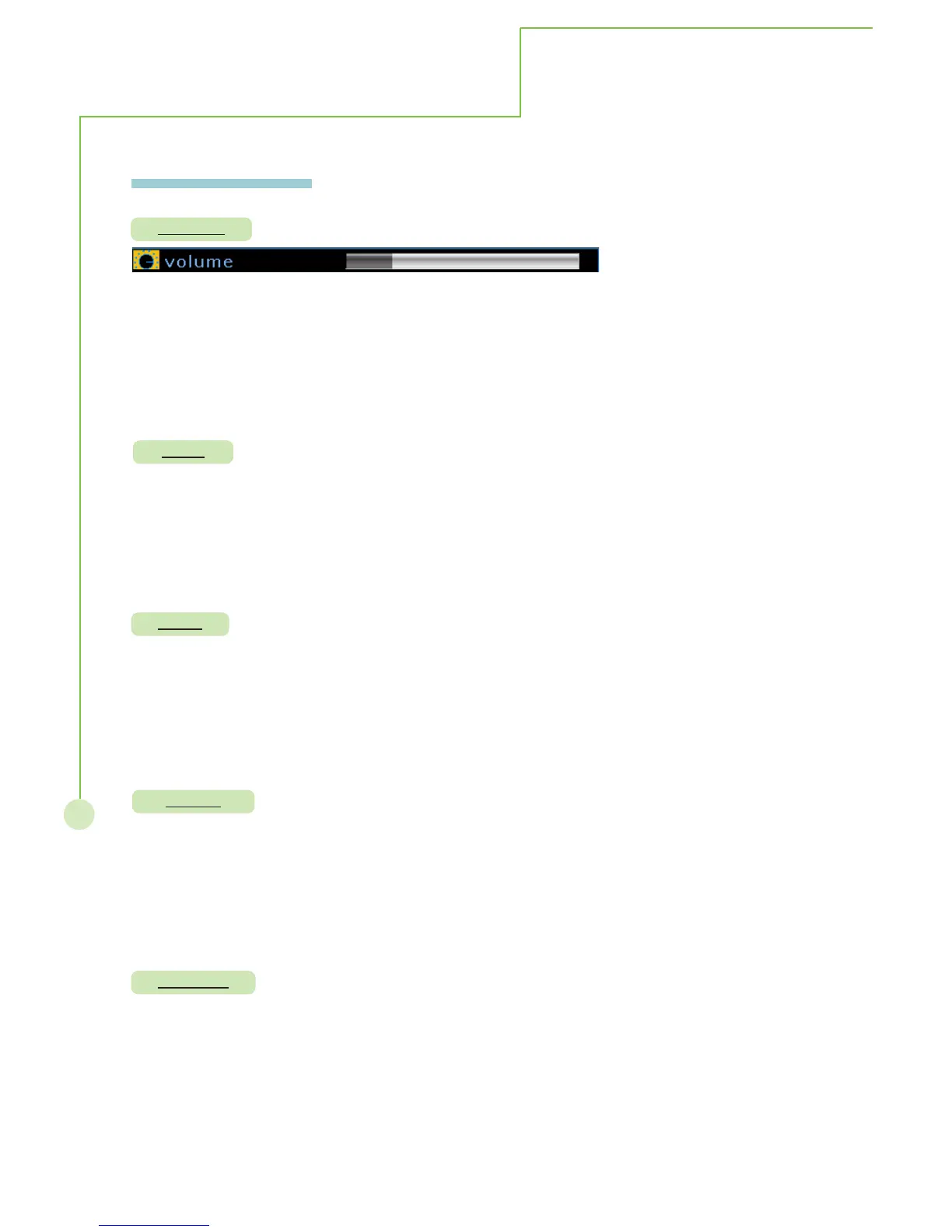
Description: Allows to increase or decrease sound output.
Steps: Selecting volume item then press
WX button to enter the function. The
volume bar appears on the bottom of screen, selecting WXbutton to
adjust volume
. Re-pressing MENU/EXIT to exit adjusting.
Mode : This function operates in every mode.
Description: Disable or enable sound output.
Steps: Selecting mute item then press
WX button to select on or off to enable or
disable the sound, re-pressing MENU/EXIT to exit sub menu.
Mode: This function operates in every mode.
Description: Enhance or reduce low frequency sound.
Steps: Selecting bass item then press
WX button to adjust bass bar on menu, re-
pressing MENU/EXIT to exit sub menu.
Mode : This function operates in every mode.
Description: Enhance or reduce high frequency sound.
Steps: Selecting treble item then press
WX button to adjust treble bar on menu, re-
pressing MENU/EXIT to exit sub menu.
Mode : This function operates in every mode.
Balance
Description: Adjust the sound allocation between the left and right speakers.
Steps: Selecting balance item then press
WX button to adjust balance bar on menu,
re-pressing MENU/EXIT to exit sub menu.
Mode : This function operates in every mode.



 To Next Page