35
Auto fine tune
Fine tune
Type
Auto set
Edit channel
More Information
Description: Select correct tune set to channels automatically
Steps: Selecting auto fine tune item then press
WX button to select on or off to
correct tune set automatically, re-pressing MENU/EXIT to exit sub menu.
Mode: This function works only in TV mode.
Description: Select correct tune set to channels manually.
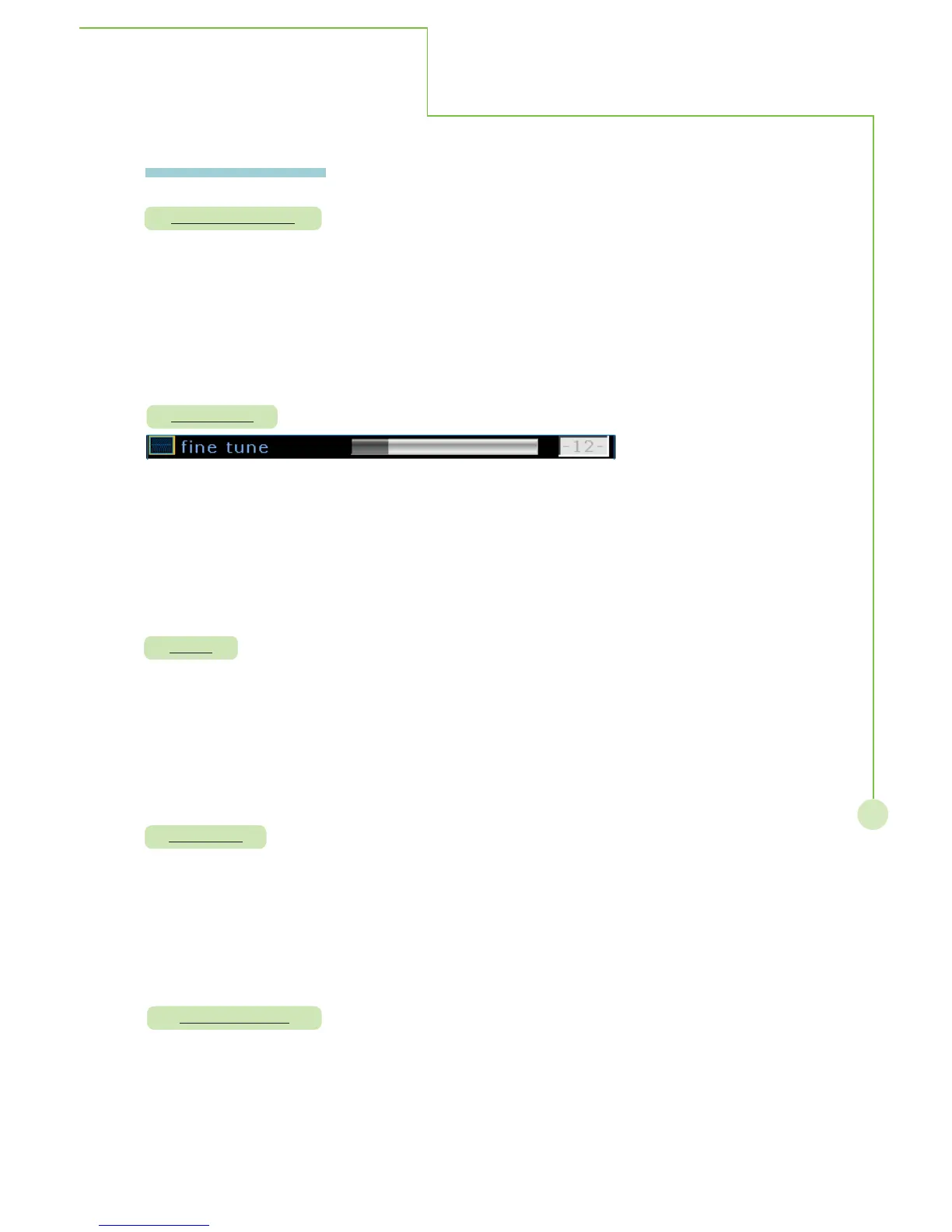
Steps: Selecting fine tune item then press OK to activate function. The bar appears
on the bottom of display, selecting
WXbutton to correct tune set to
channels . Re-pressing MENU/EXIT to exit.
Mode : This function works only in TV mode.
Description: Select channels source from antenna or cable.
Steps: Selecting type item then press
WXbutton to select antenna or cable source.
Pressing again MENU/EXIT to exit sub menu.
Mode : This function works only in TV mode.
Description: Search for available TV channels automatically and memorize the channels.
Steps: Selecting autoset item then press OK to activate function, pressing
MENU/EXIT to exit sub menu.
Mode : This function works only in TV mode.
Description: Allow to add or erase channels manually.
Steps: Selecting edit channel item then press
WXbutton to select add or erase
channel, pressing again MENU/EXIT to exit sub menu.
Mode : This function works only in TV mode.
On - Screen Menu



 To Next Page