19
English
User Controls
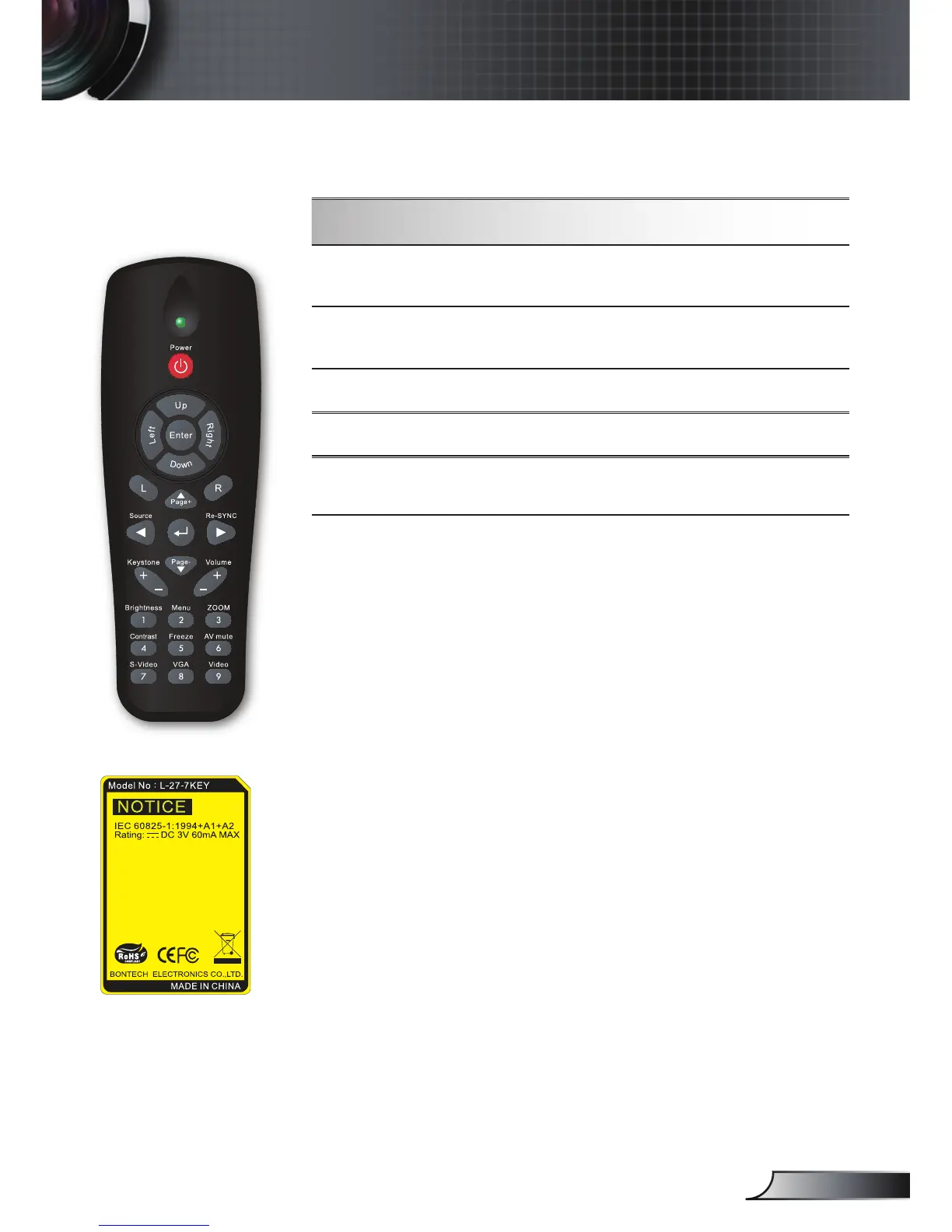
Remote Control
Using the Remote Control
Freeze
Press “Freeze” to pause the screen image.
Press this button again to unlock.
AV mute
Momentarily turns off/on the audio and
video.
S-Video Press “S-Video” to choose S-Video source.
VGA
Press “VGA” to choose VGA sources.
Video
Press “Video” to choose Composite video
source.



 To Next Page