Need help?
Do you have a question about the Opus 300 and is the answer not in the manual?
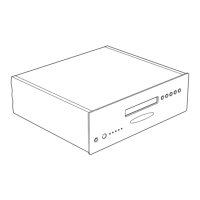
Central control unit which connects to audio sources and distributes them to zones.
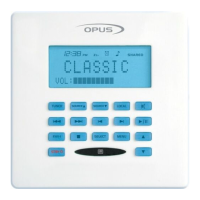
Controls sound adjustment functions and defaults to volume control.
Changes audio source or activates sound adjustment functions.
Adjusts bass level using Up/Down buttons after holding Select.
Adjusts treble level using Up/Down buttons after holding Select.
Adjusts balance level using Up/Down buttons after holding Select.
Adjusts audio levels between speakers/outputs using Up/Down buttons.
Selects the audio source to be listened to.
Connects up to six audio source equipments via RCA cables to the MCU.
Optional in-wall module to add local sources to the MCU.
Press LEARN button on the back of the remote to enter mode.
Position original remote head-to-head with LRC300 for code learning.
Press a device button (e.g., Source 1) to select the target bank.
Press and hold button on original remote until LRC300 displays "OK!".
Press the LEARN button again to exit Learn mode.
 General
| Brand | Opus |
|---|---|
| Model | 300 |
| Category | Stereo System |
| Language | English |


 To Next Page