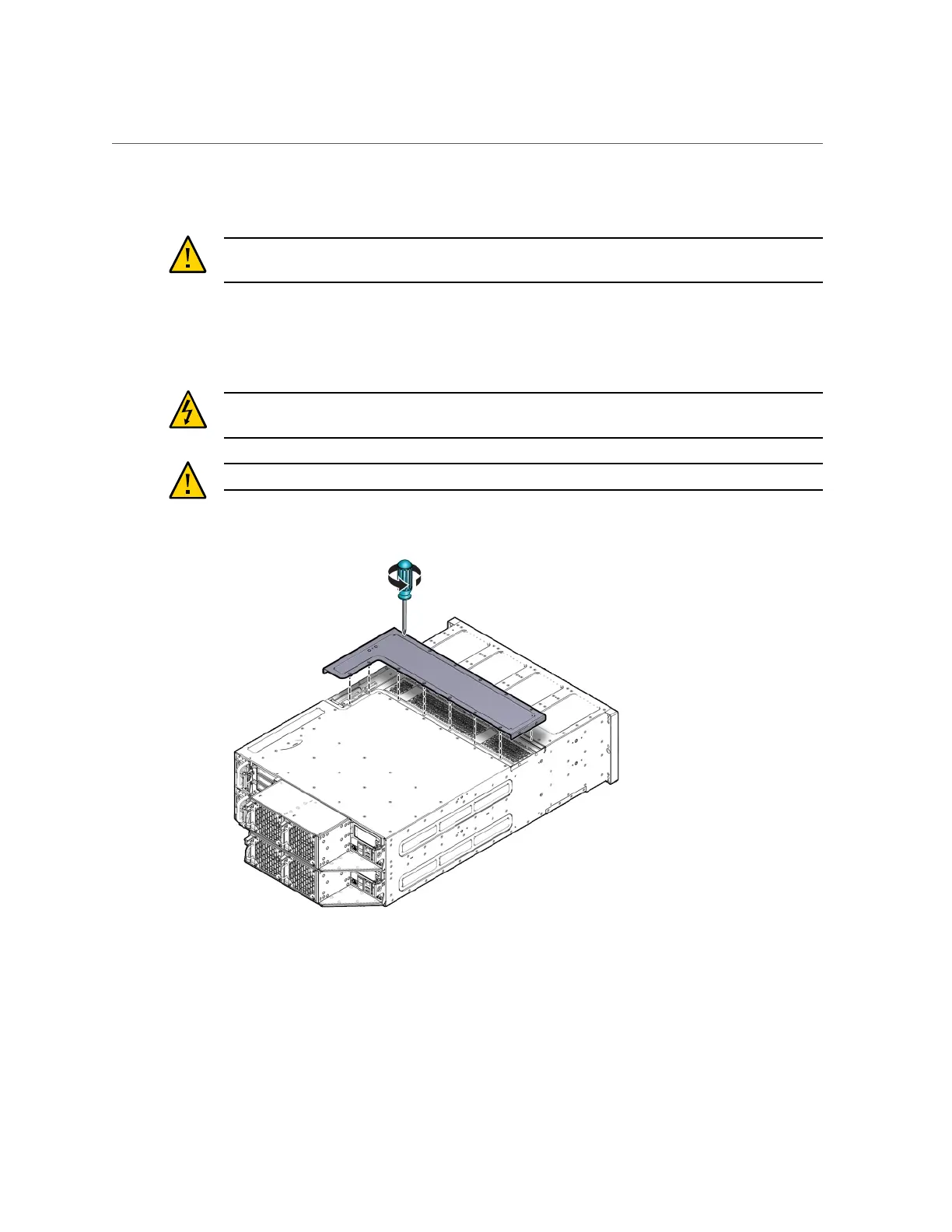
Remove the Middle Section of System Top Cover
For instructions, see “Shut Down a Server Node” on page 143.
Caution - System fault. Do not remove the middle section of the system cover while the AC
power cords are connected. Otherwise the fault LEDs light and a system fault is logged.
2.
Remove the middle section of the system top cover.
To remove the middle section of the system's top cover, remove the captive Phillips screws that
secure it to the system.
Caution - Hazardous voltage present. Never run the system with the middle section of the
system top cover removed.
Caution - Equipment damage. Install the system top cover properly before starting the system.
Appendix A • Servicing the Oracle Database Appliance Version 1 151












 To Next Page