Oracle Database Appliance X6-2S/X6-2M/X6-2L Status Indicators
Callout Indicator/LED: Color State Meaning
3 Power supply status indicator:
green
■ On – The power supply is operating normally.
■ Off – The power supply is unplugged or turned off.
4 DC power fail indicator: amber ■ On – The power supply is faulty.
■ Off – Normal operation.
5 Reserved This port is reserved for Oracle Service.
6 Network port (reserved) This port is reserved for Oracle Service.
7 Locate: white ■ Off – Normal operation.
■ Fast blink – This LED blinks to help locate the system. Operators
can turn this indicator on and off remotely using Oracle ILOM.
■ Pressing this button toggles the fast blink on or off.
8 Service Required: amber ■ Off – Normal operation.
■ Steady on – A fault is present in the storage shelf.
9 OK: green ■ On – The storage shelf is powered on and operating normally.
■ Off – The storage shelf is unplugged or turned off.
10 SAS I/O Module Ready-to-
Remove: blue
■ On – The I/O module can be safely removed during a hot-plug
operation.
■ Off – The I/O module has not been prepared for removal.
11 SAS I/O Module Service
Required indicator: amber
■ Off – Normal operation.
■ Steady on – A fault is present in the SAS I/O module.
12 SAS I/O Module OK: green ■ On – The I/O module is powered on and operating normally.
■ Off – The I/O module is unplugged or turned off.
13 Host SAS port Service Required
indicator: amber
■ Off – Normal operation.
■ Steady on – A fault is present with the port or connection.
14 Host SAS port activity indicator:
green
■ Random blinking – Indicates host SAS link activity.
■ Off – No link activity.
Oracle Database Appliance X6-2S/X6-2M/X6-2L Status
Indicators
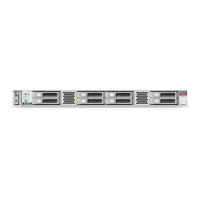
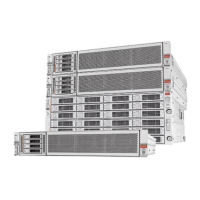
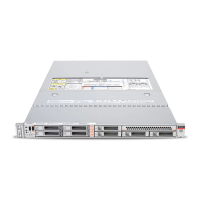
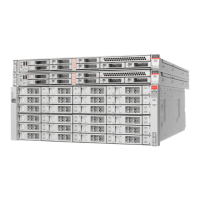
The following topics describe the Oracle Database Appliance X6-2S/X6-2M/X6-2L status
indicators. They include controls and indicators on the server front and back panels, storage
drives, and power supplies.
■
“Oracle Database Appliance X6-2S/X6-2M Server Status Indicators” on page 24
■
“Oracle Database Appliance X6-2L Server Status Indicators” on page 27
Chapter 1 • Overview of System Status Indicators and LEDs 23



 To Next Page