Exit From the BIOS Setup Utility
Exit From the BIOS Setup Utility
1.
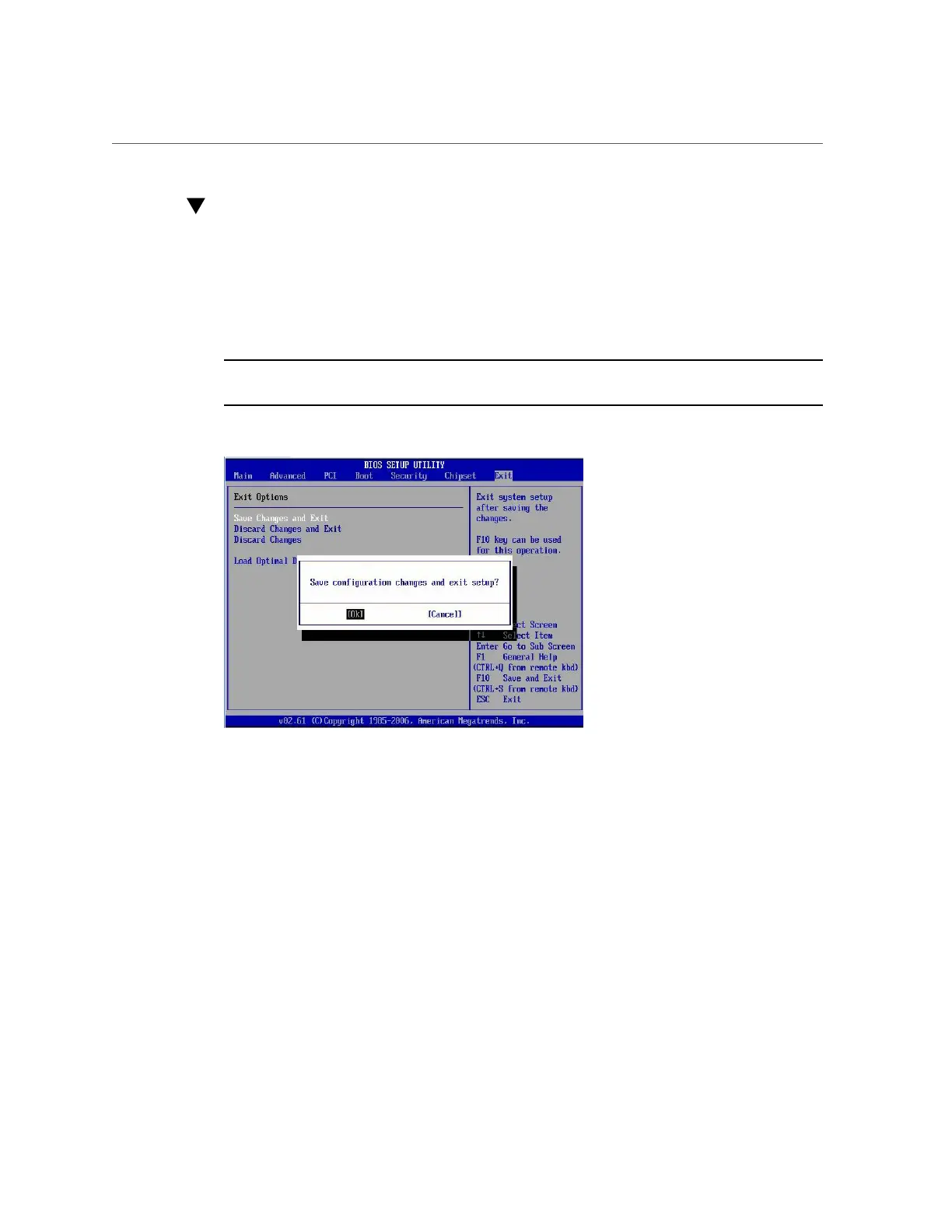
Use the up and down arrow keys to scroll up and down the BIOS Exit options.
2.
Press Enter to select the option.
A confirmation dialog box appears that enables you to save the changes and exit the Setup
Utility or cancel the exit option.
Note - The confirmation dialog box is only shown below for the Save Changes and Exit option
screen. The other exit confirmation screens work in a similar way.
Appendix A • Servicing the Oracle Database Appliance Version 1 281












 To Next Page