Manual for Orange’s Tire Pressure Monitoring Systems, TPMS
7/14 www.orange-electronic.com
Orange Electronic Co., Ltd
The System Operation
Once installed the system will automatically monitor the tires when power is applied. When
the power of the vehicle is switched on, the display unit will show, in real-time, the pressure
and temperature and follow the sequence from No. 1 to No. 4 for showing all the tires
respectively.
System Alarm
When the system detects any unusual pressure from tires, the display unit will light
and
turn red and show the tire pressure on the display unit.
When the system detects any unusual temperature from the tires, the display unit will light
and turn red and show the temperature in the display unit.
Statement
The alarm will continue to sound until the abnormality is solved. If more than two
abnormalities in the tires happen at the same time, the system will flash between each
problem every 2-3 seconds. No other light will show.
If the temperature is too high and pressure too low simultaneously, the system will show the
pressure too low signal first and then show the temperature too high signal. (The abnormal
signal of the display is shown priority sequence as in the following description.
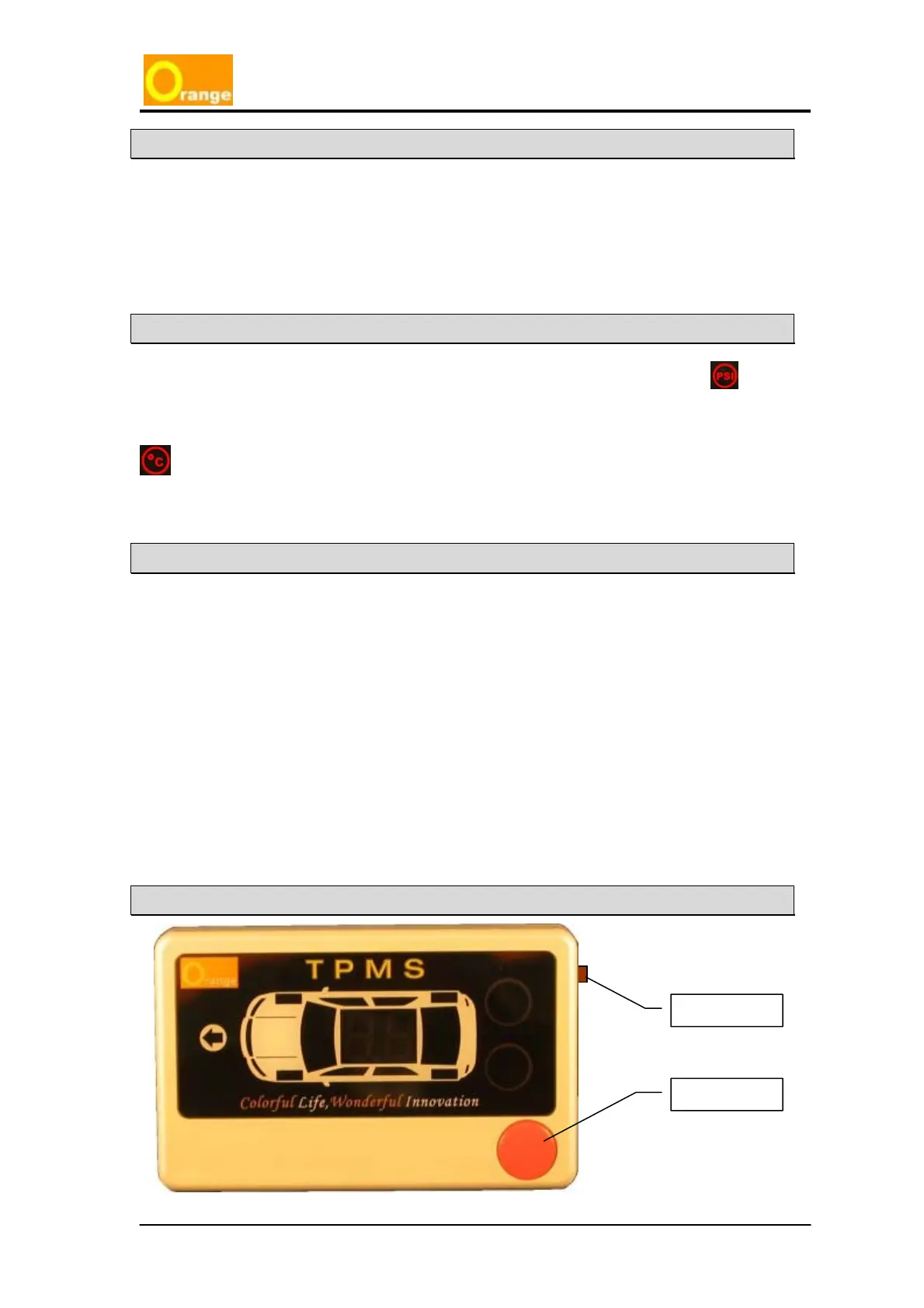
Press the Set-up key (brown) for over 3 seconds to enter into the setup up mode. If you do
not want to change the figure, then just press the setup key 3 times, and return to operating
mode. At this moment the system will clear all the alarm signal light. If the abnormal condition
continues, the display will sound the abnormal alarm and display the faults again. Even when
the car is parked and not in use, the system will continually monitor the tires, when driver
starts the vehicle, the display unit will show the previous tire pressure or temperature.
Setup Method
Function Key
Setup Key



 To Next Page