Manual for Orange’s Tire Pressure Monitoring Systems, TPMS
9/14 www.orange-electronic.com
Orange Electronic Co., Ltd
High Tire Temperature Warning
Step Operation process Photograph
1 After setting up the high pressure, press the setup
key again (the brown button) on the right side of the
display. The unit will display the high temperature
setup mode.
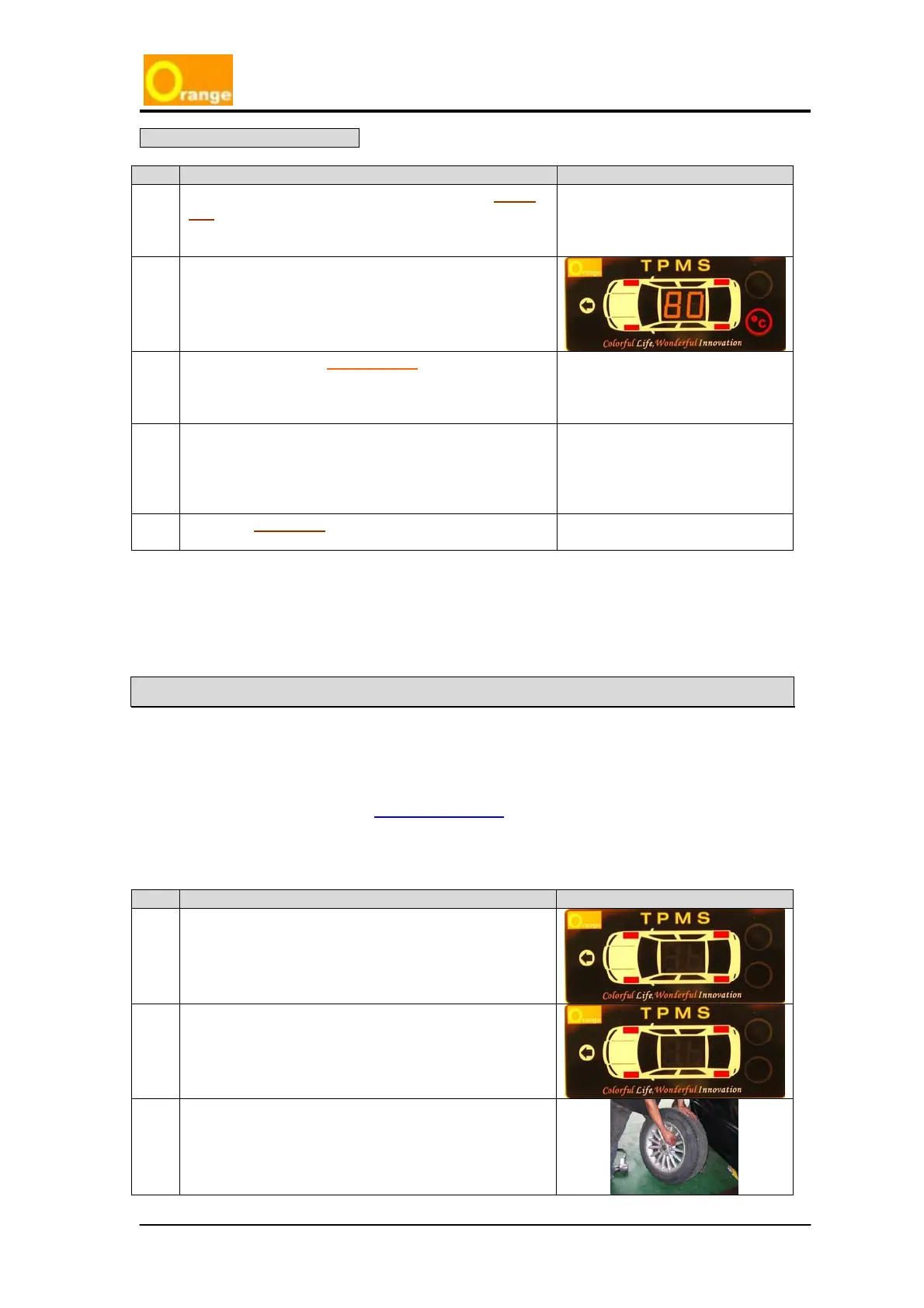
2 The first shown figure is the preset that shows the
high temperature warning (the display will light on
the No. 1, No. 2, No.3 and No.4 red tire lights, “
o
C”
and preload high temperature figure LED light).
3 Press the front side function key (the orange
button) to change the high temperature figure,
which the system uses to warn the driver when the
tire temperature rises to that figure.
4 The high temperature figure set up range is from
60
o
C to 99
o
C, the driver can continually push the
function key (the orange button) to adjust the
appropriate high temperature figure; the preloaded
figure is 80
o
C.
5 Push the setup key (the brown button) to complete
the high temperature setting operation.
1. Turing off the power can also turn off the alarm operation.
Reset for Tire Changes and Rotation
Tire rotation is necessary to prolong the life of your tires. The system requires resetting the
tire position to ensure the transmitter sensor can indicate the right position of your tires on
display unit.
Orange TPMS already equips the AUTO LOCATION
function. This allows the driver to easily
change the vehicles tire(s). The process for changing tires and rotating tires is below.
The steps of reset as follow:
Step Operation process Photograph
1 Bleed the all tires from the valve stem until the
pressure is lower than 18psi. The red LED light will
show when the pressure is below 18psi.
2
Please push and hold the setup key (brown
button) and function key (orange button)
simultaneously for three seconds. The system
will be forced into the tire-repositioning mode.
3 Change the tire(s) position



 To Next Page