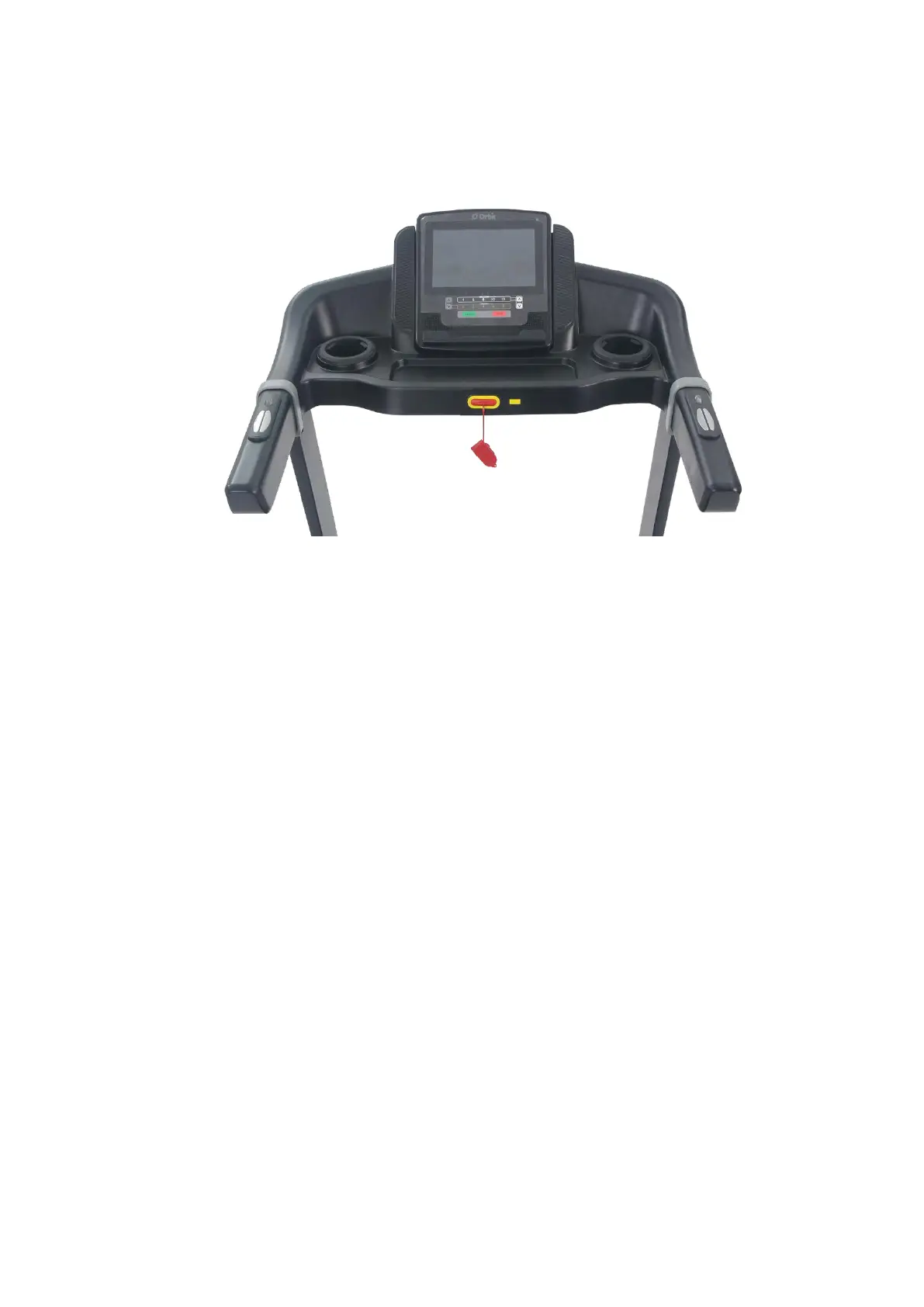
COMPUTER INSTRUCTIONS
1.1 WINDOW DISPLAY
1.2 BUTTON PLATFORM FUNCTION
1.2.1 START
- When you press the START button, the program will start operating.
- If you press START at the WARM UP mode, it will skip the WARM UP and enter the WORK
OUT directly.
- If you press START at the PAUSE mode, the program will restart and operate with the
minimum speed and Incline 0.
1.2.1 STOP
- Press STOP once when at WORK OUT mode, the console display will show PAUSE. The
speed will go back to 0 but the incline level will remain.
- Press STOP twice when at PAUSE mode, the program will end. Both speed and incline will
resume back to 0.
1.2.2 PROGRAM
If user presses PROGRAM button at IDLE MODE, you will enter the interface of GOAL mode
(GOAL/ HILL/ RANDOM INCLINE).
10



 To Next Page