1.8 PROGRAM FUNCTION DESCRIPTION
1.8.1 QUICK START
Press QUICK START button when at IDLE mode or before you choose any other program.
1.8.2 CLASSICS
There are 3 programs in CLASSICS: Goal, Hill and Random incline.
1.8.2.1 GOAL
- User can set their own goal for time. distance and calories.
- The default time is 20 minutes if user doesn’t set the goal for time before starting.
- When user achieves any of the goal, the program ends and enter to summary mode.
1.8.2.2 HILL
- User can set up the ideal time, max speed and max incline.
- The default time is 20 minutes if user doesn’t set the goal for time before starting.
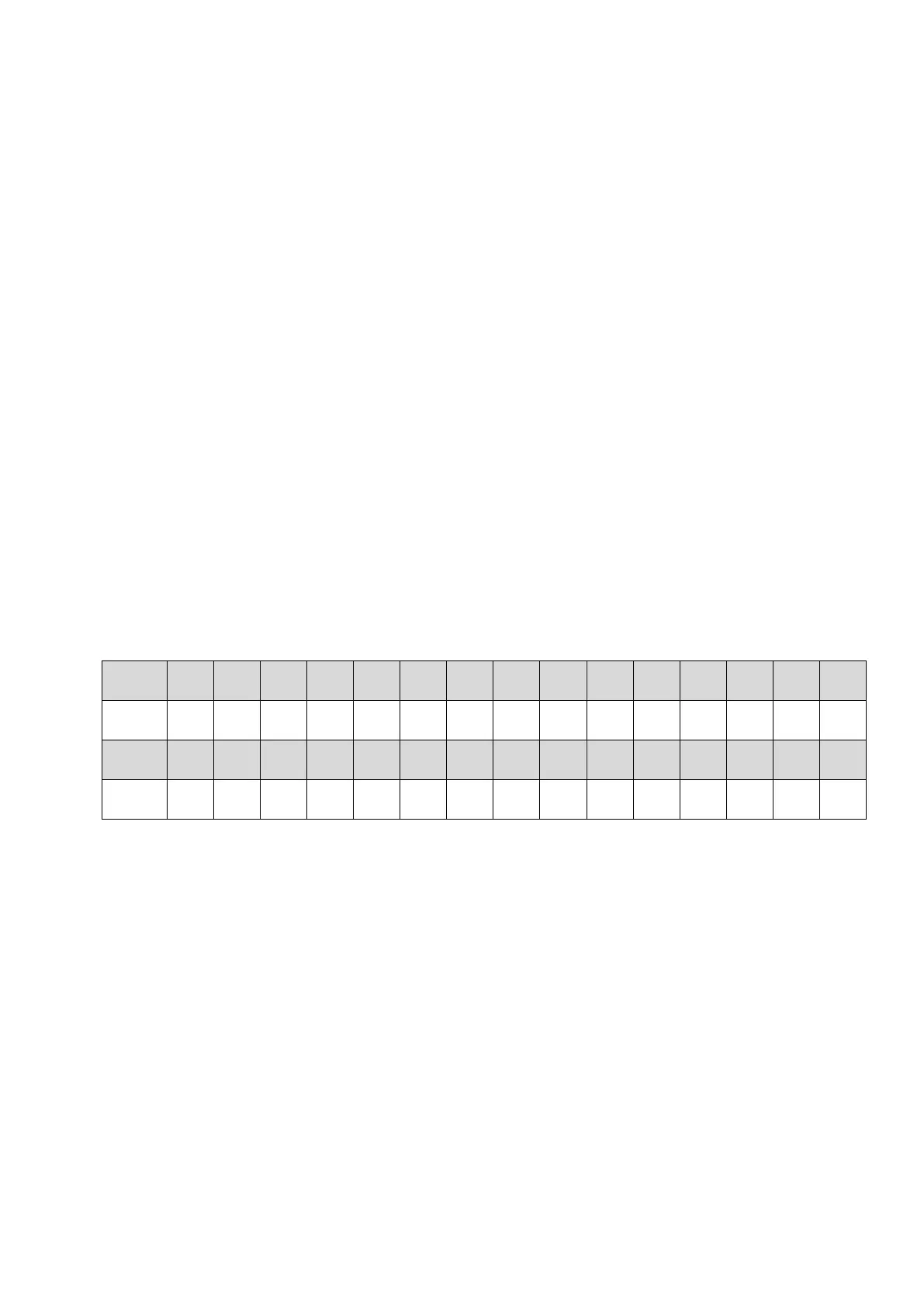
- Default incline:
section
1 2 3 4 5 6 7 8 9 10 11 12 13 14 15
0 1 2 2 3 3 4 5 5 2 1 4 6 8 6
section
16 17 18 19 20 21 22 23 24 25 26 27 28 29 30
5 4 3 2 2 3 5 7 9 11 12 10 8 6 3
- Press INCLINE and SPEED button in the middle of screen to change the profile display.
- When user achieve any of the goal, the program ends and enter to cool down mode.
1.8.2.3 RANDOM INCLINE
- User can set up the ideal time and max incline.
- This program provides a random incline when every time user press refresh button.
- The default time is 20 minutes and the default max incline is 10 level, if user doesn’t set
the goal for time before starting.
- When user achieves goal time, the program ends and enter to cool down mode.
19



 To Next Page