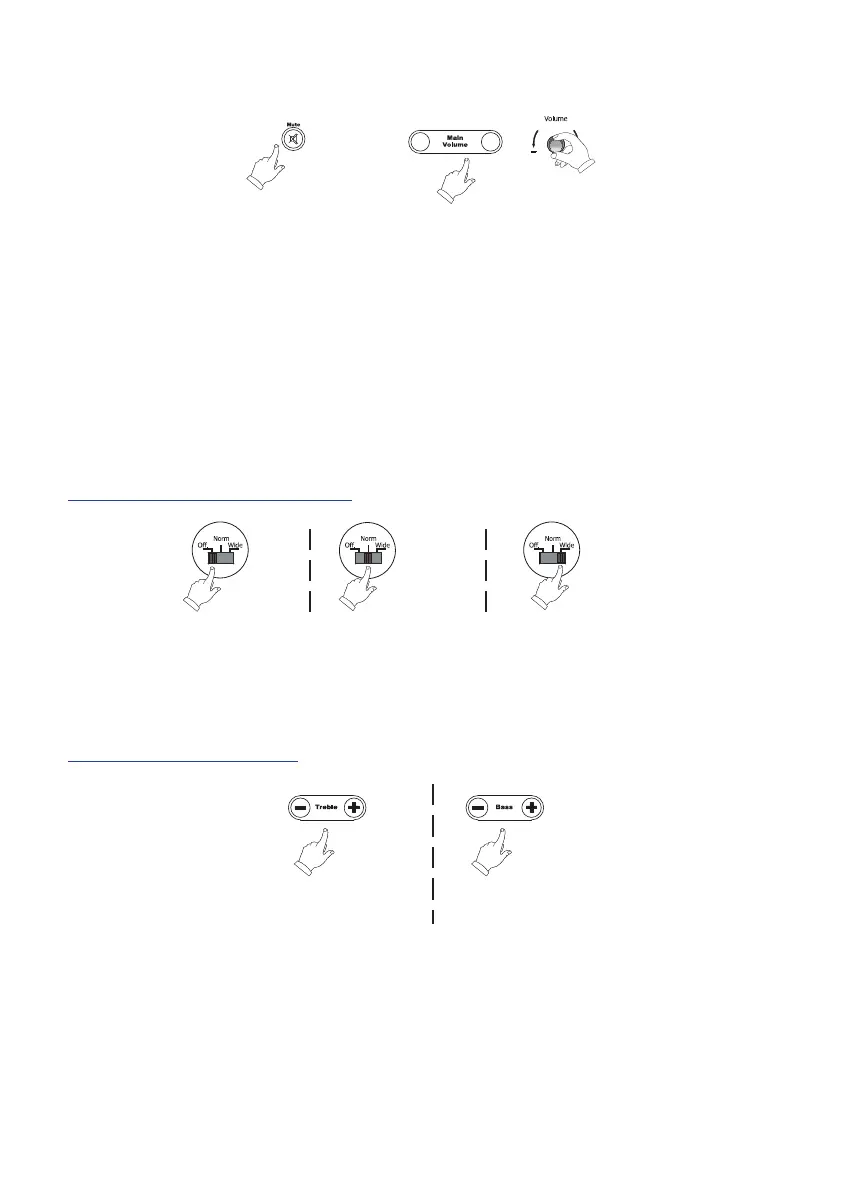
3. Volume / Mute
or
Mute
Main Volume adjust
+
-
Mute: Press the mute button on the remote to silence or resume play through the
T12.
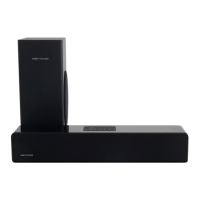
NOTE: When the T12 is on and mute is enabled, you will see a blue ashing light on the
front of the soundbar. A continuous blue light indicates that the T12 is on.
Volume: Volume may be adjusted from the + and - buttons on the remote, or
byturning the volume control on the rear of the unit.
4. airSOUND soundfield
Stereo off Normal Stereo Wide
The stereo sound eld may be adjusted via the stereo switch on the rear panel.
HINT: For most listening environments, leave this switch on ‘Wide’.
5. Tone adjustment
The sound tone may be adjusted with the remote control.
Note: the blue indicator light on the front of the sound bar will ash as the tone is
adjusted. It will stop ashing when the minimum or maximum bass or treble adjustment
is reached.


 To Next Page