CONTROLS
DRIVING CLUTCH LEVER
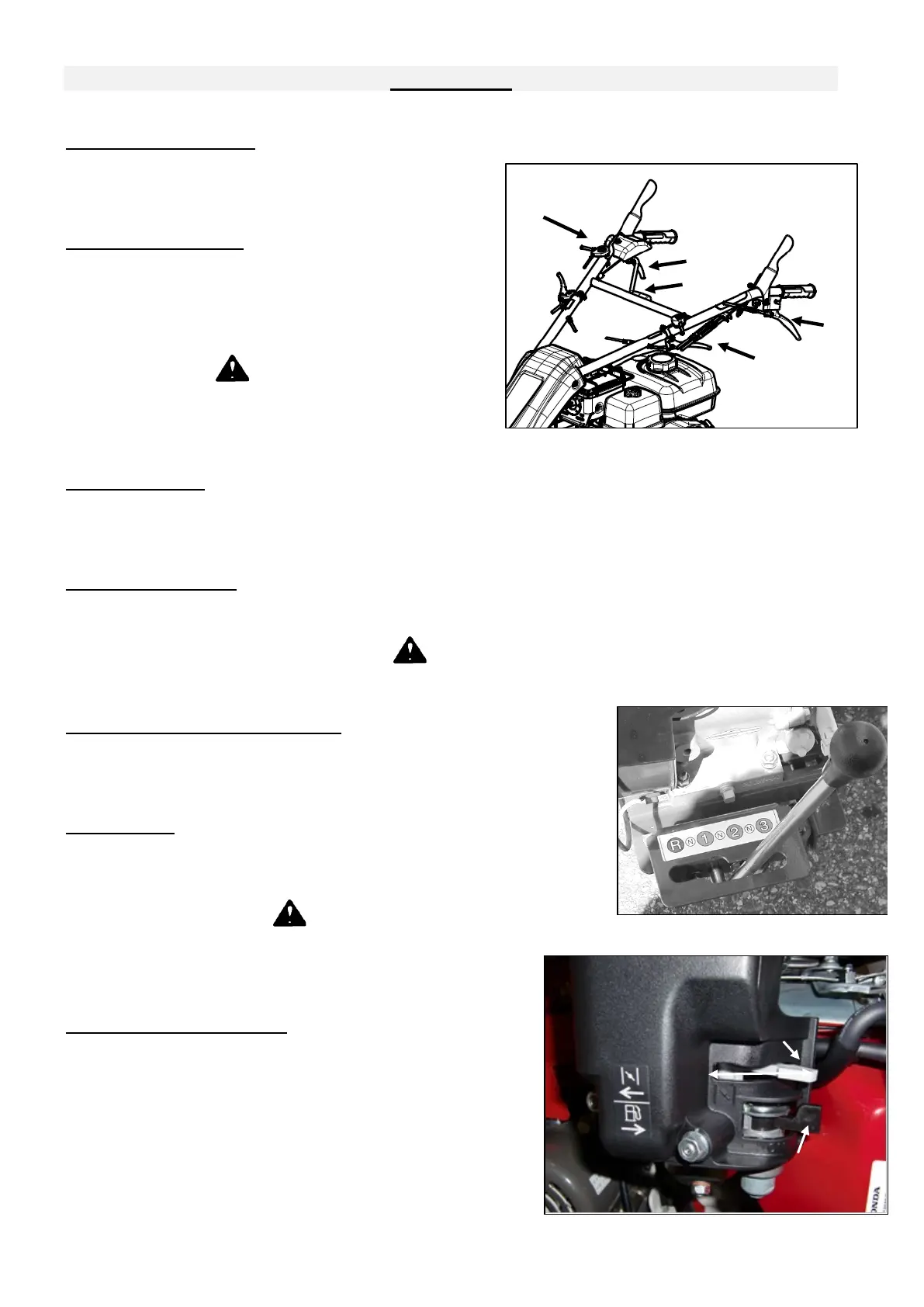
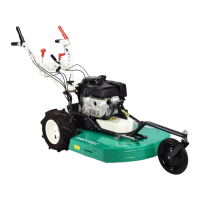
Push the lever(1, Figure 1) down to the handlebar to
make the machine moving. Release the lever, then the
machine stops.
BLADE CLUTCH LEVER
Blade clutch lever makes the engine drive the blade to
mow. Press the lever (2, Figure 1) then pull the lever (3,
Figure 1) to make the blade turning.
Release the lever, then the rotor stops.
WARNING
Never try to start or stop the engine with blade
engaged
THROTTLE LEVER
Push the throttle lever(4, Figure 1) to left to increase engine speed, push the throttle lever to right to
decrease engine speed to idle rpm. Always operate mower at full engine speed.
SIDE CLUTCH LEVERS
The side clutch levers (5, Figure 1) are used to change the direction of the machine. Grip right lever to
turn right and left lever to turn left. To move the machine when engine is cut off, grip the both levers.
DANGER
Do not grip the two levers in slopes when engine is running.
HANDLEBAR ADJUSTMENT LEVERS
Grip the lever(6, Figure1) to move handelbar right and left(except
HR531).
And grip the lever(7, Figure 1) to move handlebar up/dpwn.
SPEED LEVER
This lever (Figure 2) allows to select 3 forward speeds (1, 2, 3), 1 reverse
speed (R) or 3 neutral location (N).
WARNING
Be sure to change speed only when driving clutch is
disengaged and machine is stopped.
CHOKE LEVER (1, FIGURE 3)
Push this lever to X to operate the choke to start engine cold,
when engine has start release it to Y.
IMPORTANT
There is no need to choke when the engine is hot.
Figura 2


 To Next Page