11
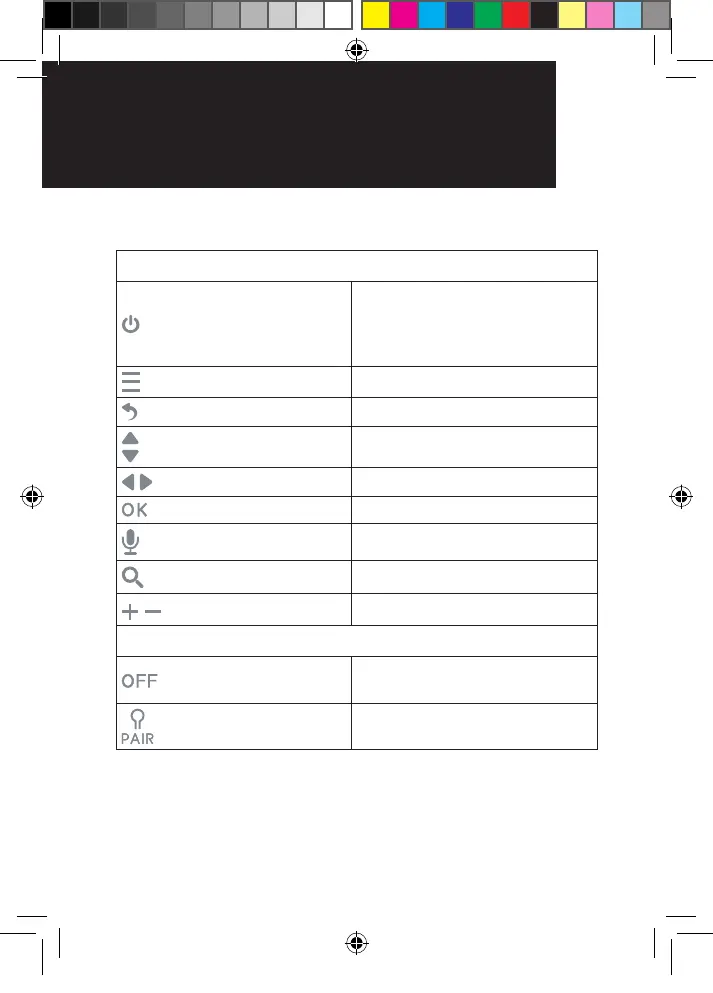
2. Basic operation of the keys
PARENT UNIT
ON/OFF BUTTON
Switch ON/OFF – Press and
hold for 3 seconds
Screen Sleep/Wake – Briey
press
MENU BUTTON Press to access the menu
BACK KEY Press to return to previous option
UP/DOWN BUTTONS Display brightness “+” & “-”
LEFT/RIGHT BUTTONS Navigation keys
OK BUTTON Press to conrm a selection
TALK BUTTON Press and hold to talk
ZOOM BUTTON Press to digitally zoom
Press to adjust volume level
BABY UNIT
ON/OFF switch
Switch to turn the Baby Unit
ON/OFF
PAIR button
Press and hold to pair to the
Parent Unit
SettIng UP yoUr VIdeo
BaBy monItor
BaSIC oPerat Ion
of the keyS
OR017650 - SC740 User Guide_05-10-19.indd 11 2019/5/10 13:05:38



 To Next Page