12
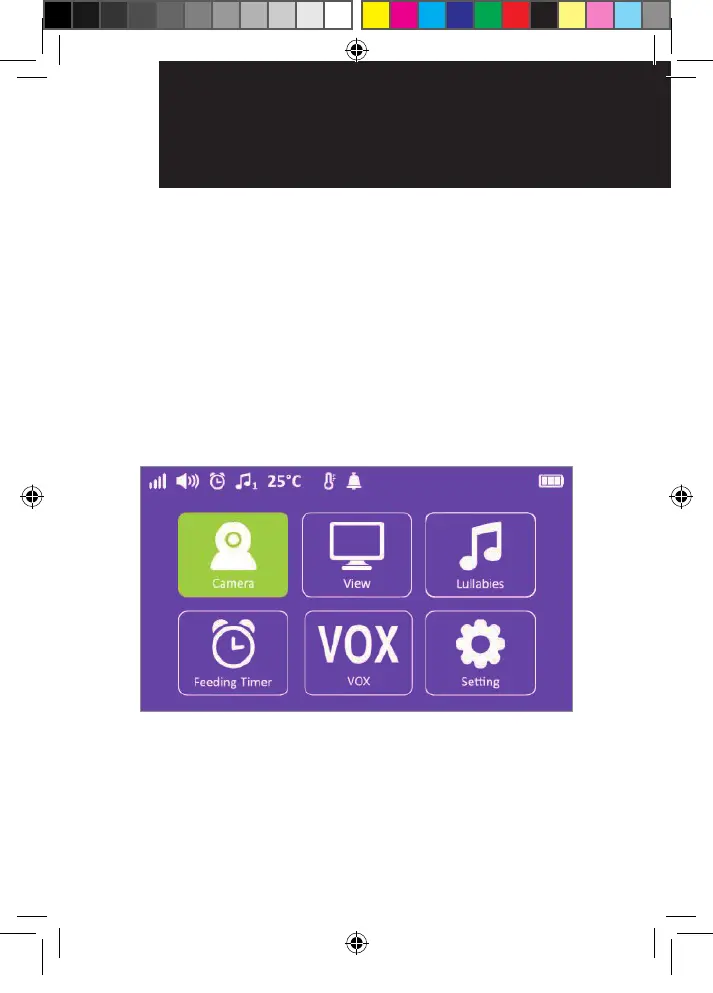
3. MENU options and functions
Camera
Press MENU button.
1) Select Camera icon. Press “OK” button to conrm
the selection.
2) Press add camera (SC740 supports up to 4
cameras). Press OK button to conrm the selection.
3) Press the “Pair” button on the camera to pair within
30 seconds.
menU oPtIonS
and fUnCtIonS
menU oPtIonS
and fUnCtIonS
OR017650 - SC740 User Guide_05-10-19.indd 12 2019/5/10 13:05:38



 To Next Page