BTP-R580 USER MANUAL
- 19 -
4 Installation
4.1 Unpacking
Check whether all items, that are listed on the packing list are
present and in a good condition. If any items are damaged or
missing, please contact your dealer.
4.2 Printer installation
1) The printer should be installed on a flat and stable horizontal
surface.
2) The printers should be away from any water source.
3) Do not place the printer on a surface exposed to vibration or
risk from impact.
4) Ensure that the printers can be grounded safely.
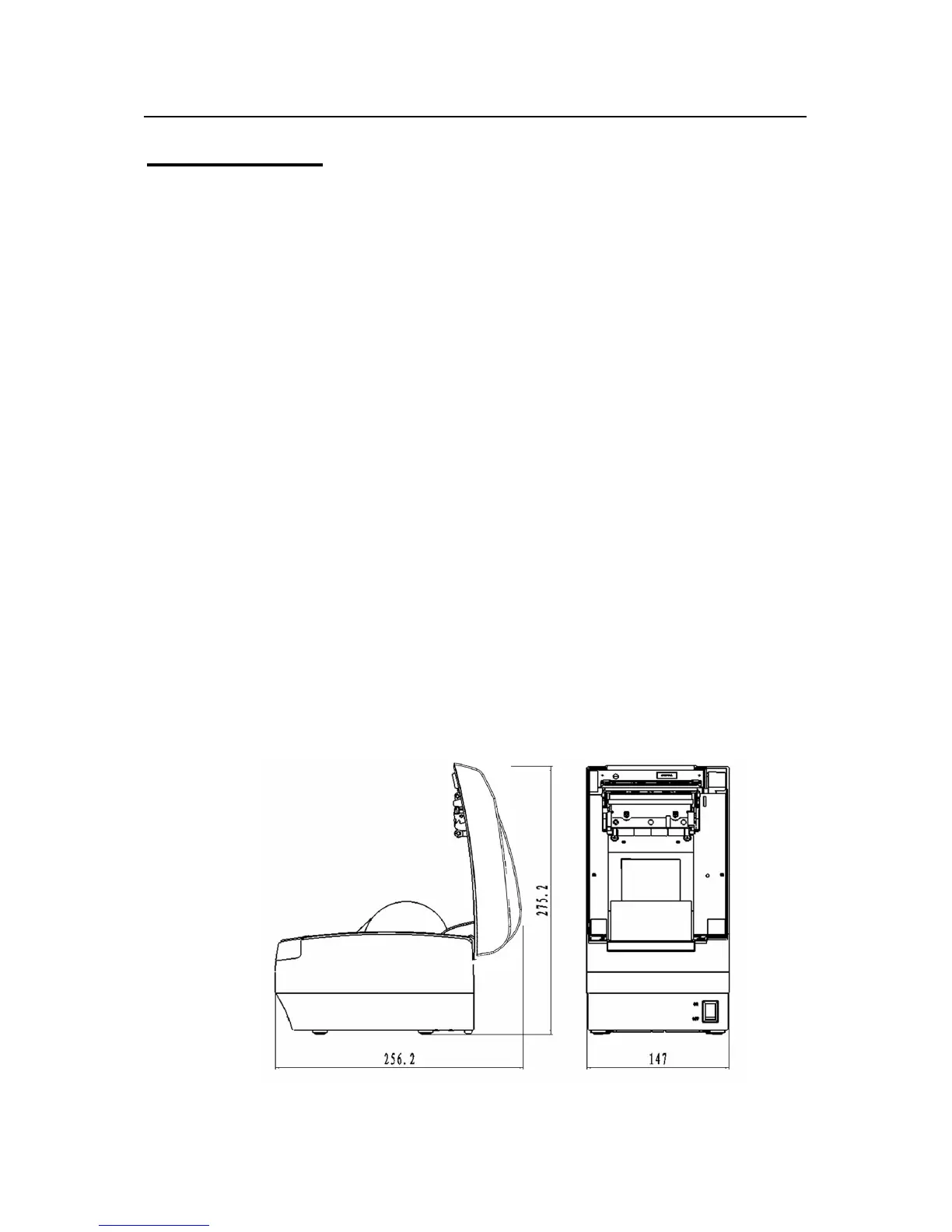
5) During operation and maintenance of the printer there should
be sufficient space around the printer in accordance with the
dimensions as shown in fig. 4.2-1.
Fig. 4.2-1 Structure spaces


 To Next Page