24
Turn chime on/off
This option allows the chime feature to be turned on or off for each area. If the chime feature
is switched on, then monitored zones that are activated during the disarmed state will cause
the system to generate a chime tone.
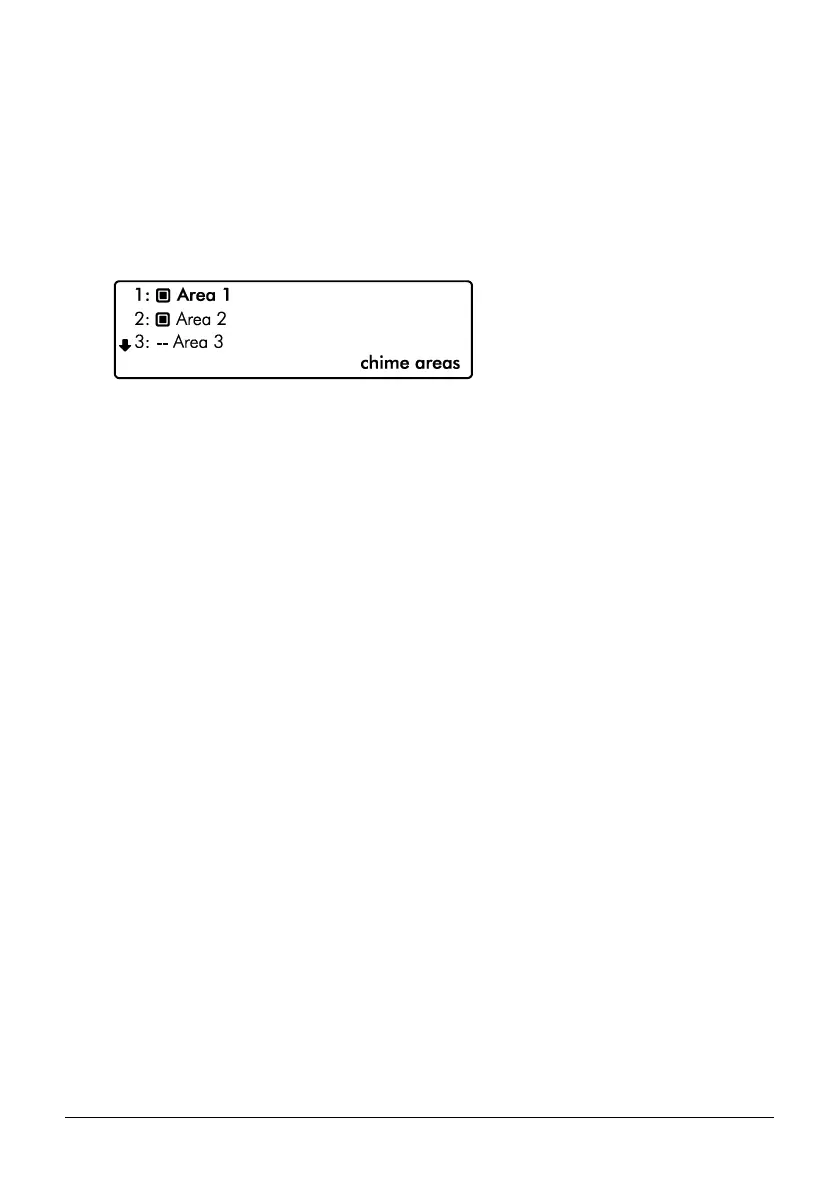
1. Ensure that the ‘Turn chime on/off’ menu is selected, see page 41.
` Area chime is on
a Area chime is off
-- Area not available
2. Use the U and D keys to select the ‘Area’. Then use the L and R keys to toggle
the selected area on or off.
3. Press the B or @ key to exit the menu.


 To Next Page