EasyManua.ls Logo

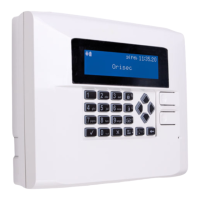
Orisec CP-25 User Manual

Orisec CP-25
44 pages
To Next Page IconTo Next Page
Page #1 background imageLoading...
Page #1 background image
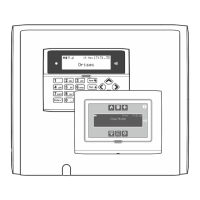
CP-25 & CP-50
User Guide
Designed and Manufactured
in the United Kingdom
www.orisec.co.uk

Other manuals for Orisec CP-25

Questions and Answers:

Orisec CP-25 Specifications

General IconGeneral
BrandOrisec
ModelCP-25
CategoryControl Panel
LanguageEnglish

Summary

Operating your Security System

Emergency Functions

Details emergency functions (Fire, Panic, Medical) and their activation methods.

Full System Arming

Details the procedure for performing a full arm of the security system.

Part System Arming

Explains how to activate part arming modes for specific zone configurations.

System Disarming

Guides users on how to disarm the security system upon entering the premises.

Area Arming

Describes how to fully and part arm selected 'area sets'.

Area Disarming

Explains how to disarm specific areas, either upon entry or beforehand.

Alarm & Fault Reset

Provides steps to silence sounders and reset the system after an alarm event.

Fault Condition Reset

Guides users on how to rectify and reset system faults.

Zone Omission

Explains how to temporarily disable specific zones from triggering alarms.

User Code Management

Details the procedure for users to change their personal access codes.

System Tests

Troubleshooting

Zone Status Issues

Addresses common zone status messages like Active, Masked, Tamper, and Omitted.

Related product manuals