EasyManua.ls Logo

OSIM uJolly 2 Smart - User Manual

OSIM uJolly 2 Smart
39 pages
Print Icon
To Next Page IconTo Next Page
Loading...
uJolly 2 Smart
OS-290S Operation Manual

Questions and Answers

Summary

IMPORTANT SAFETY INSTRUCTIONS

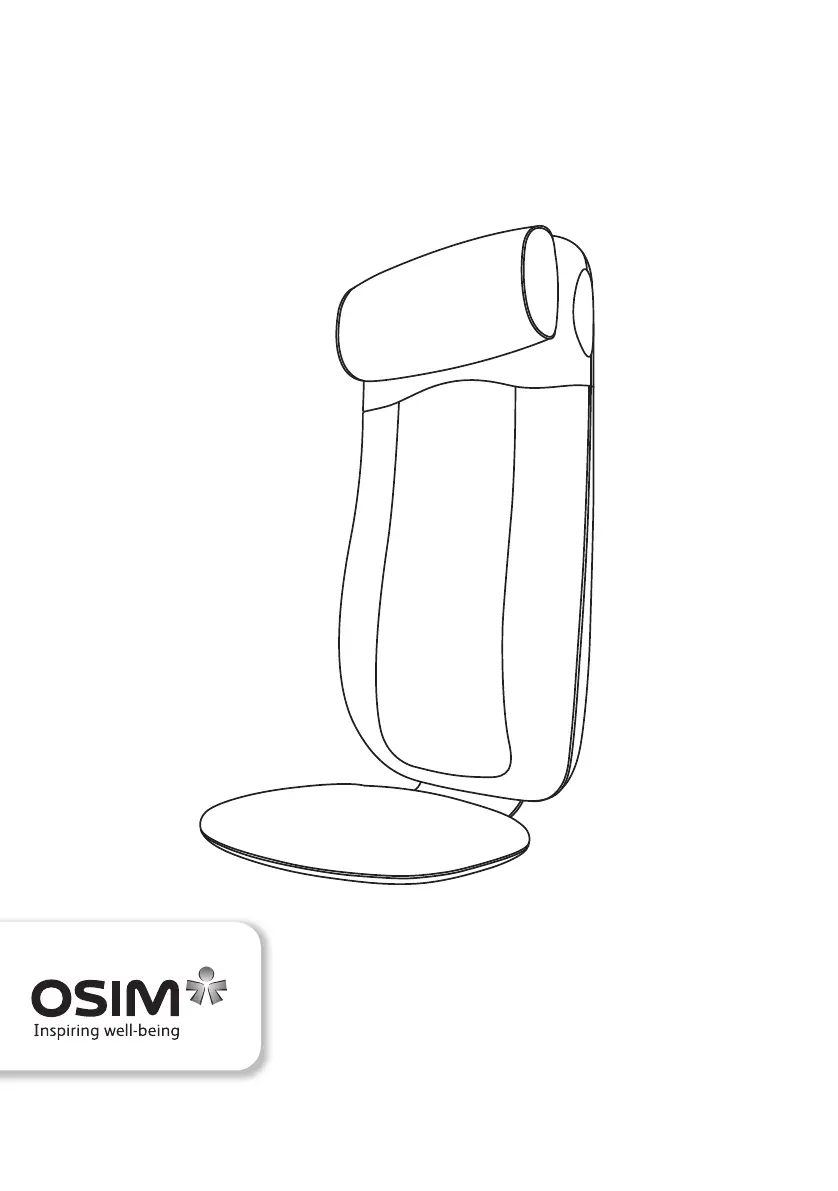
Names of Parts and Functions: Main Unit

Main Unit Identification

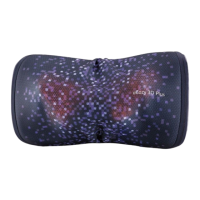
Identifies and illustrates the primary components of the massage unit.

Names of Parts and Functions: Controller

Controller Overview and Functions

Details the buttons, indicators, and functions of the massage controller.

Preparation Before Use

Placing the Massage Unit

Instructions on how to position the uJolly 2 Smart massage unit on a chair.

Adjusting the Headrest

Guidance on adjusting the headrest to a preferred position for comfort.

Attaching the Headrest Pillow

Steps for attaching the headrest pillow for enhanced comfort.

Operation Guide

Powering On the Device

Explains how to power on the device and its indicators.

Halting Operation

How to stop massage programs or the entire operation.

Returning Rollers to Default

Procedure to reset massage rollers to their home position.

Advanced Operation and Connectivity

Device Pairing (iOS;Android)

Steps to pair the uJolly 2 Smart with smart devices via app.

App Functionality

Overview of features accessible through the OSIM Smart DIY Chair App.

App Compatibility

Information on compatible operating systems and devices for the app.

Product Care and Storage

Placement and Storage Advice

Guidelines for product placement and storage to prevent damage.

Cleaning Procedures

Instructions for cleaning the product using dry cloth and avoiding liquids.

Cleaning Solvents and Repair Warning

Warnings against using cleaning solvents and attempting self-repair.

Troubleshooting Common Issues

Product Specifications

OSIM uJolly 2 Smart Specifications

General IconGeneral
Product NameOSIM uJolly 2 Smart
CategoryMassager
ModeluJolly 2 Smart
Intensity Levels3
Heat FunctionYes
Timer15 minutes
Remote ControlYes
Power SupplyAC adapter
Rated Power48W
Massage TechnologyVibration
FeaturesApp Enabled
Control MethodRemote Control, App
Power SourceElectric
Weight DesignLightweight

Related product manuals