EasyManua.ls Logo

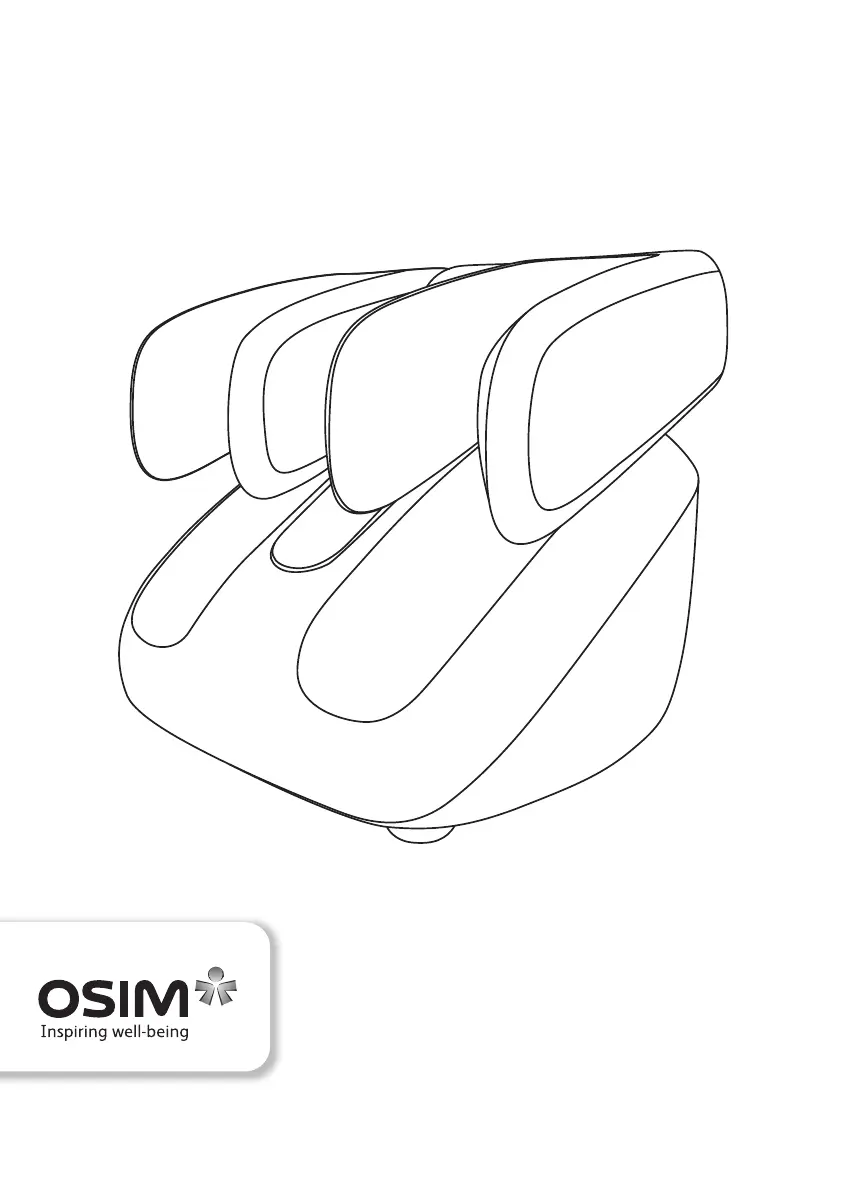
OSIM uSqueez 2 Smart - User Manual

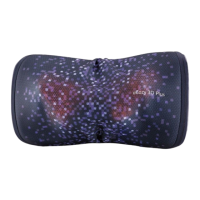
OSIM uSqueez 2 Smart
39 pages
Print Icon
To Next Page IconTo Next Page
Loading...
uSqueez 2 Smart
OS-393S Operation Manual

Questions and Answers

  • P
    Paula JohnsonAug 7, 2025
    What to do if my OSIM Massager uSqueez 2 Smart will not start?
    • E
      ericdixonAug 8, 2025
      If your OSIM uSqueez 2 Smart massager won't start, first, ensure the power plug is firmly connected to the electrical outlet. Second, verify that the main switch is turned on. Finally, if the overheat protection device has been activated, turn off the main switch and allow the uSqueez 2 Smart to cool down for at least 30 minutes before using it again.
  • M
    Michael CastilloAug 15, 2025
    Why does my OSIM uSqueez 2 Smart stop midway?
    • M
      Michelle ColemanAug 15, 2025
      Your OSIM Massager might stop midway because the auto timer for the massage duration has lapsed, or the ‘Stop’ button on the control panel was pressed accidentally. Alternatively, the overheat protection device may have been activated. In this case, turn off the main switch and allow the uSqueez 2 Smart to cool down at least 30 minutes before using it again.
  • C
    Crystal CooperAug 22, 2025
    What to do if the uSqueez 2 Smart Standby LED did not light up on my OSIM Massager?
    • Z
      zellisAug 22, 2025
      The Standby LED on your OSIM Massager does not light up when the product is plugged in and turned on, but not in operation. This is normal.
  • M
    Matthew JonesAug 29, 2025
    Why does my OSIM uSqueez 2 Smart Massager make motor sounds?
    • J
      Joseph VargasAug 29, 2025
      The motor sound during operation of your OSIM Massager is a result of the mechanical structure in operation and not a malfunction.

Summary

Important Safety Instructions

Names of parts and functions

Main unit

Identifies the primary components of the main massage unit.

Control panel

Details the layout and functions of the device's control interface.

Preparation before use

Moving the uSqueez 2 Smart

Provides instructions on how to safely lift and move the massage device.

Kneading plate adjustment

Explains how to adjust the massage rollers for personalized comfort.

Operation

Pairing iOS and Android devices with uSqueez 2 Smart

Guides users on connecting the device to smart devices via Wi-Fi.

Functionality of OSIM Smart DIY Massage Chair App

Outlines the features and capabilities accessible through the mobile application.

Compatibility of OSIM Smart DIY Massage Chair App

Lists the system requirements and compatibility for using the mobile application.

Product care and storage

Product placement and storage

Advises on optimal placement and long-term storage conditions for the product.

Clean the product using a dry cloth regularly

Details the recommended cleaning procedures for maintaining the device.

Do NOT use wet elements for cleaning

Warns against using moisture or liquids during the cleaning process.

Do NOT use cleaning solvents

Specifies cleaning agents to avoid to prevent damage or fading.

Do NOT attempt to repair your product

Instructs users not to perform self-repairs and to contact service centers.

Troubleshooting

Specifications

OSIM uSqueez 2 Smart Specifications

General IconGeneral
ModeluSqueez 2 Smart
Heat FunctionYes
Smart App ControlYes
Bluetooth ConnectivityYes
Power SupplyAC Adapter
Frequency50/60Hz
Massage TechniquesKneading, Rolling
Intensity Levels3
Control TypeApp

Related product manuals