EasyManua.ls Logo

OSIM uCozy 3D Plus - User Manual

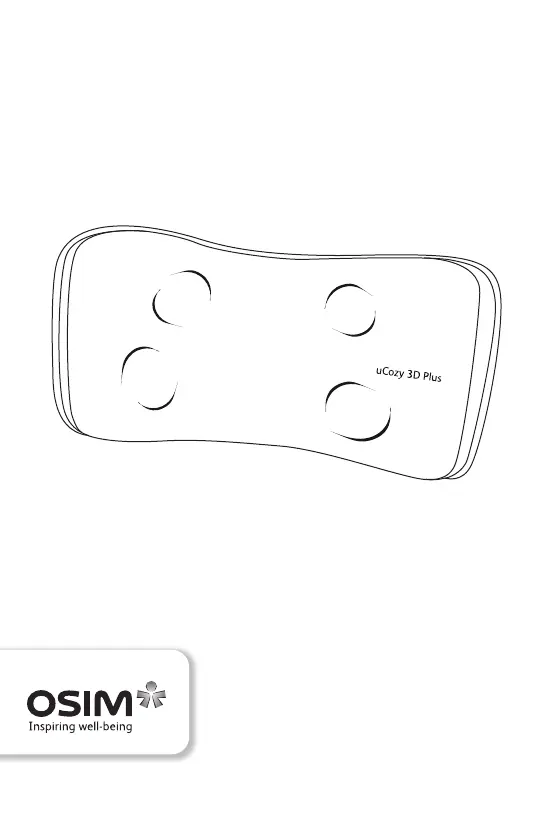
OSIM uCozy 3D Plus
39 pages
Print Icon
To Next Page IconTo Next Page
Loading...
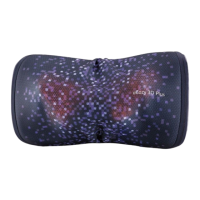
uCozy 3D Plus
OS-2222 Operation Manual
Design and Developed in Singapore by OSIM International Pte Ltd. (A subsidiary of V3 Group) Rev A
© 2022 All rights reserved. www.OSIM.com

Questions and Answers

  • J
    jacob45Aug 6, 2025
    What to do if my OSIM Massager uCozy 3D Plus won't start?
    • M
      Mark WhiteAug 6, 2025
      If your OSIM uCozy 3D Plus massager isn't starting, there are several things you can check: * Ensure the battery is sufficiently charged. If the battery level is low, recharge it. * Verify that the power adapter is securely connected to the electrical outlet. * Make sure the main switch is turned on. * Confirm that the voltage at the electrical outlet is adequate.
  • M
    Michael HortonAug 20, 2025
    Why does my OSIM uCozy 3D Plus Massager stop midway?
    • S
      Steven JohnsonAug 21, 2025
      There are several reasons why your OSIM uCozy 3D Plus massager might stop during a session: * The battery level may be low, requiring a recharge. * The adapter jack might have been disconnected from the device. * The auto timer may have lapsed (the device has an auto timer of 20 minutes). * The overheat protection may have been activated. In this case, turn off the main switch and allow the uCozy 3D Plus to cool down for at least 60 minutes before using it again.

Summary

IMPORTANT SAFETY INSTRUCTIONS

Names of parts and functions

Operation

Use with power adapter

Instructions for operating the uCozy 3D Plus using the power adapter.

Use without power adapter

Instructions for operating the uCozy 3D Plus using its rechargeable battery.

Turning the power on;off

Steps to turn the uCozy 3D Plus on and off, including heat function.

Product care and storage

Product Placement and Storage

Guidelines on where to place and how to store the uCozy 3D Plus.

Cleaning the Product

Instructions for cleaning the uCozy 3D Plus using a dry cloth.

Cleaning Precautions

Warnings against using wet elements, solvents, or abrasive cleaners for cleaning.

Repair and Service

Advice against self-repair and guidance on contacting the service center.

Troubleshooting

Specifications

Notes

OSIM uCozy 3D Plus Specifications

General IconGeneral
BrandOSIM
ModeluCozy 3D Plus
CategoryMassager
LanguageEnglish

Related product manuals