17
Starting operation – Foot control
To change from VARIABLE to ON / OFF
Keep Program button P3 depressed throughout this procedure!
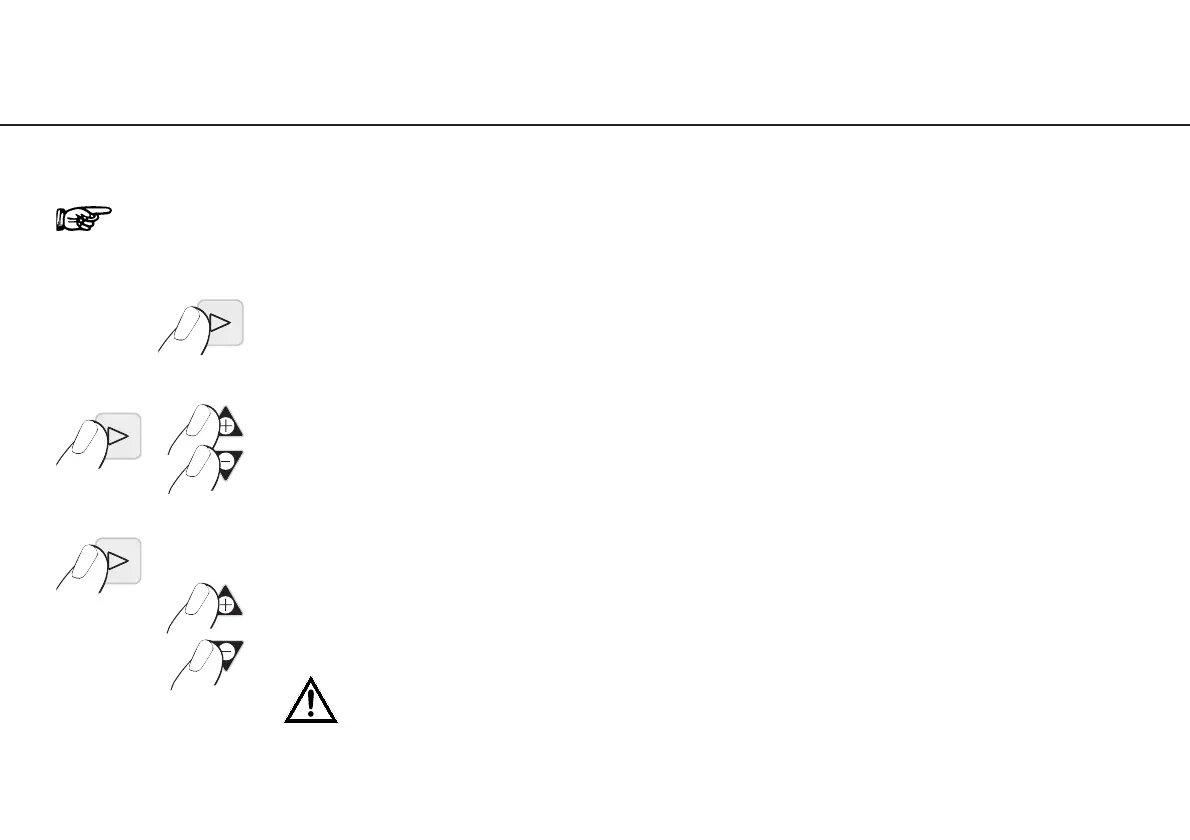
➊ Press P3 for approx. 4 seconds
➋ Keep P3 depressed and simultaneously press
PLUS and MINUS
➌ Keep P3 depressed and carry out adjustment.
01 = VARIABLE (factory setting) – Press PLUS button
00 = ON / OFF – Press MINUS button
After changeover the Program button P3 illuminates and is active!


 To Next Page