24
12. Error messages
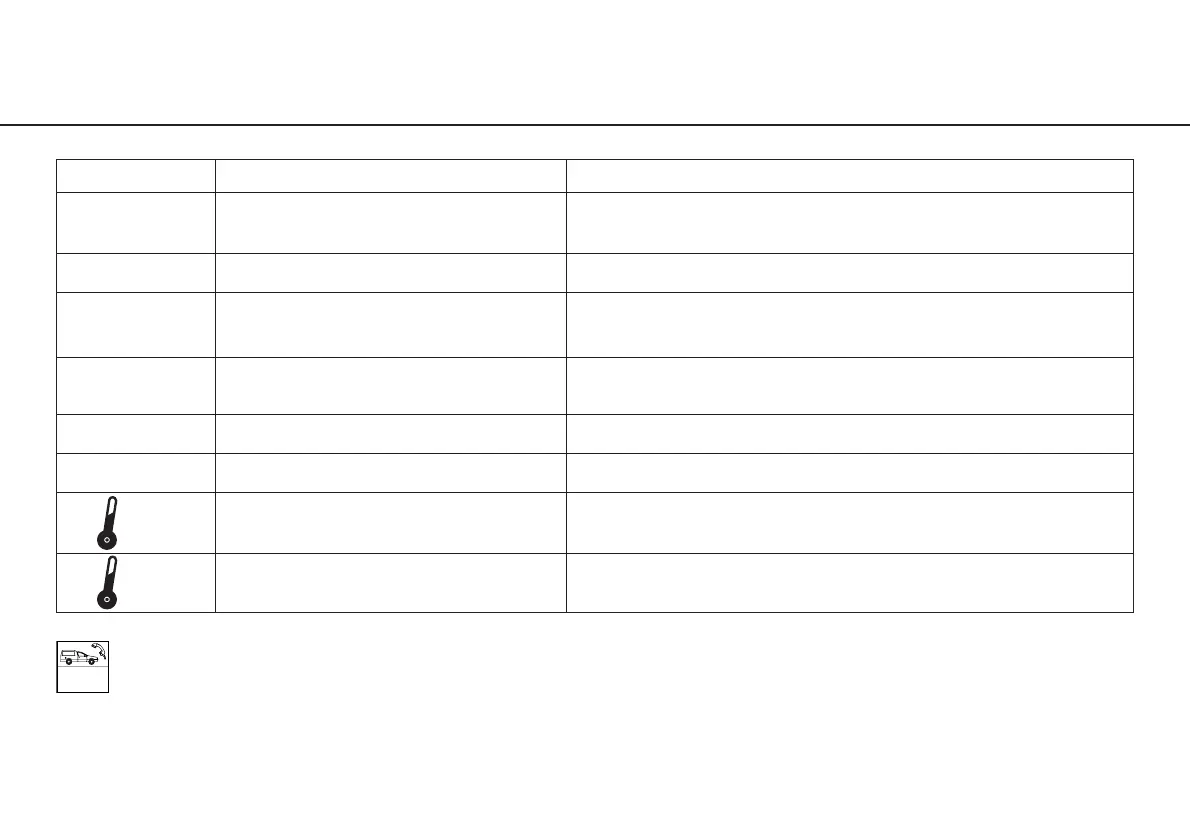
Error No. Description Remedy
00 Electronics overheating – Switch off the equipment, allow to cool
safety shutdown for at least 10 minutes, then re-start
01 Electronics overloaded Switch off the equipment and then re-start
07 Foot control error – Switch off the equipment, re-start, do not
initializing actuate foot control when switching on
09 Foot control error Switch off the equipment, check connection
of the foot control, then re-start
19 Run limiting control Switch off the equipment and re-start
99 System failure Switch off the equipment and re-start
Motor temperature too high Switch off the equipment, allow motor to cool
for at least 10 minutes, then re-start
Motor connection – Switch off the equipment, check motor connection,
safety shutdown then re-start
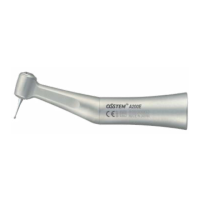
If one of the error messages described above cannot be rectified by switching off the OSM2 and then switching
it on again, the equipment must be checked by a service and repair organization authorized by W&H
(see Page 41 – 43). If a total failure of the equipment occurs caused by external circumstances, the equipment
must be switched off and then on again.


 To Next Page