23
Control unit operation – Changing the coolant flow (P1 – P5)
Factory setting 100 %. Adjustable range 65 %, 80 % and 100 %.
Depressing PLUS / MINUS the values are continuously increased / decreased.
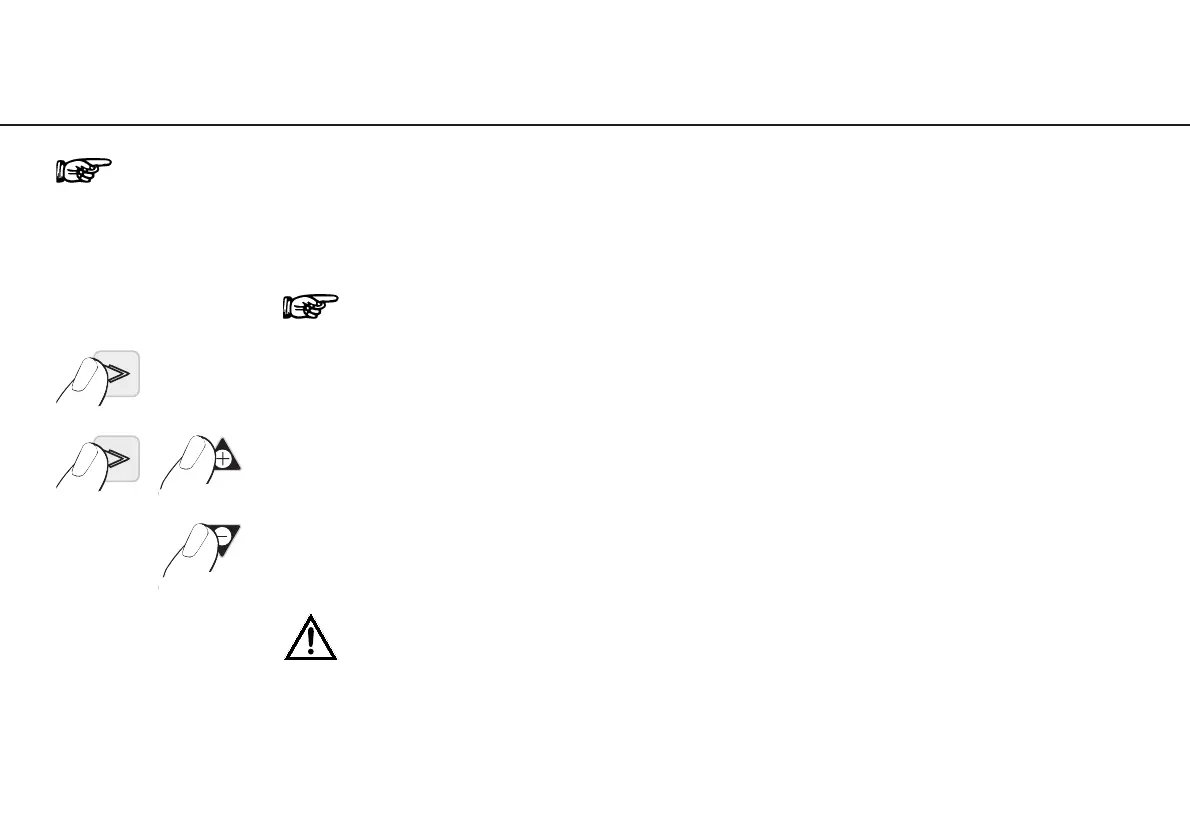
➊ Keep P2 depressed for approx. 4 seconds
(the adjusted coolant flow rate appears)
➋ Keep P2 depressed and press PLUS button
to increase flow rate
➋ Keep P2 depressed and press MINUS button
to decrease flow rate
After adjustment, the Program button P2 illuminates and is active!
Keep Program button P2 depressed throughout this procedure!


 To Next Page