18
10. Reset factory settings
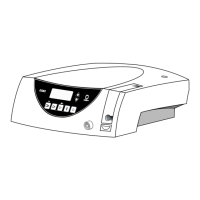
➊ Switch off the control unit
➋ Keep P1 depressed and simultaneously
switch on the control unit
➌ Keep P1 depressed as long as on the display
the adjustment “DE FAU” appears
Factory setting always starts with Program 1 (P1).


 To Next Page