38 39
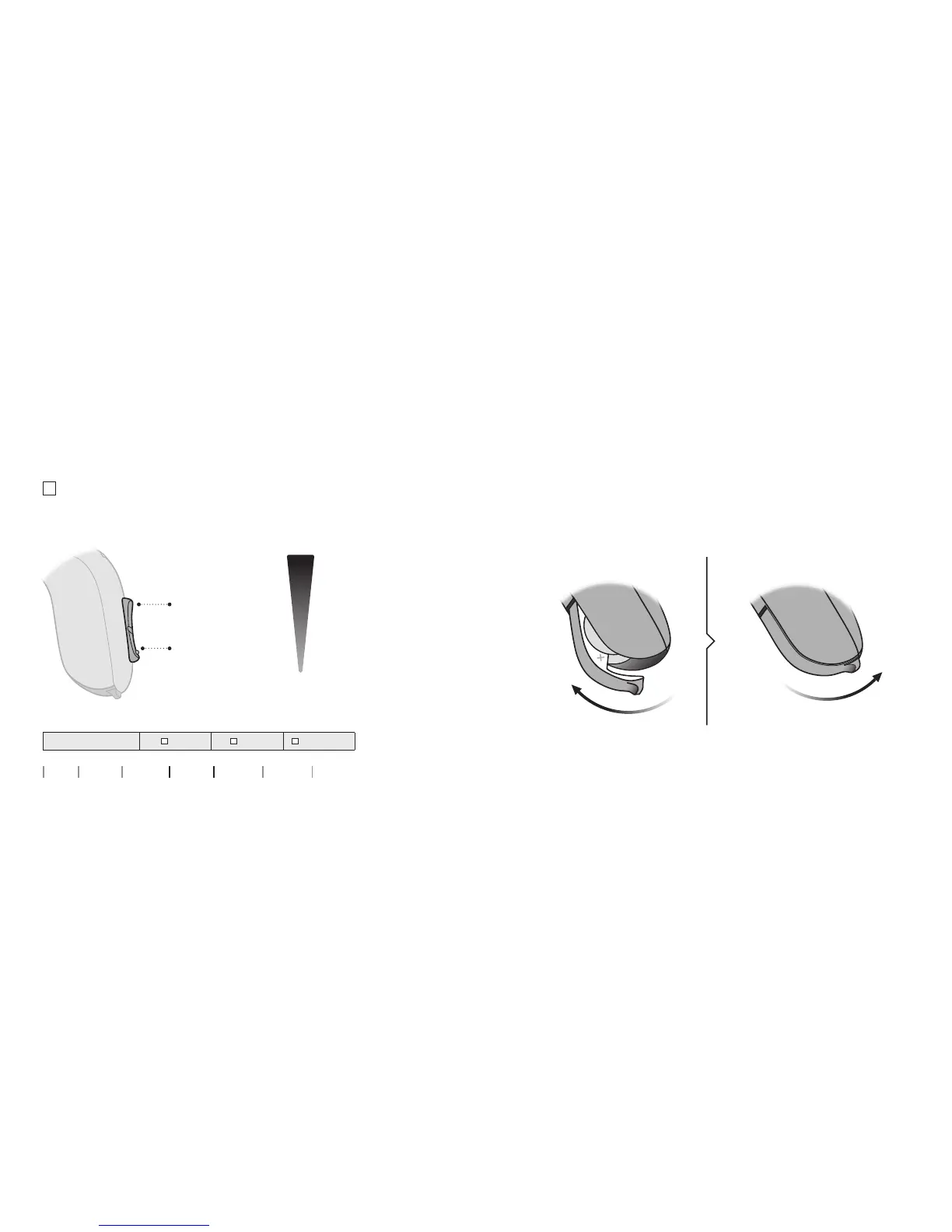
Press button
to turn volume up
You hear 2
beeps at the
starting
volume level
Press button
to turn volume down
Change volume
The push button allows you to adjust the volume.
You will hear a click when you turn the volume up or down.
To be lled out by the hearing care professional
Volume change
LEFT RIGHT Short press
Quick reset
If you wish to return to the standard settings of the hearing aid
programmed by your hearing care professional, simply open and
then close the battery drawer.
Open Close
MAXIMUM
STARTING
LEVEL
MINIMUM
About Start up Handling Options Warnings More info


 To Next Page