Table of content
Options
Warnings
Tinnitus
Additionals
About
Start up
Handling
Identify your hearing instrument speaker and ear piece 6
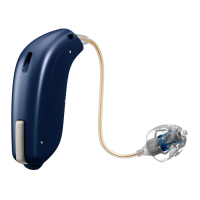
miniRITE 8
Identify left and right instrument 10
Battery 11
Turn the hearing instrument ON and OFF 12
When to replace a battery 13
Replace the battery 14
Caring for your hearing instrument 16
Put on the instrument 18
Speaker with dome or GripTip 20
Replace dome or GripTip 21
Speaker with micro mould, LiteTip or power mould 22
Maintain the micro mould, LiteTip or power mould 23
Optional features and accessories 24
Mute the hearing instrument (optional) 25
Change programs (optional) 26
Change volume (optional) 28
Tamper-resistant battery drawer (optional) 30
Wireless accessories (optional) 32
Other options (optional) 33
Warnings 34
Tinnitus SoundSupport (optional) 40
Troubleshooting guide 52
Water resistant 54
Warranty certicate 56
International warranty 57
Mobile phone 58
Technical information 60









 To Next Page