EasyManua.ls Logo

oticon Opn 2 - Page 5

oticon Opn 2
35 pages
Print Icon
To Next Page IconTo Next Page
To Previous Page IconTo Previous Page
Loading...
8 9
About Startup Handling Options Tinnitus Warnings More info
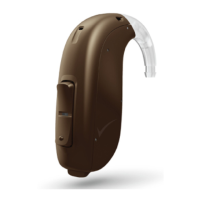
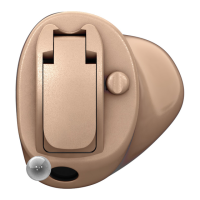
Identify your hearing aid
For your in-the-ear hearing aid, there are several dierent styles
available with dierent battery sizes. Please see the model overview
for your style and battery size. This will make it easier for you to
navigate through this booklet.

About
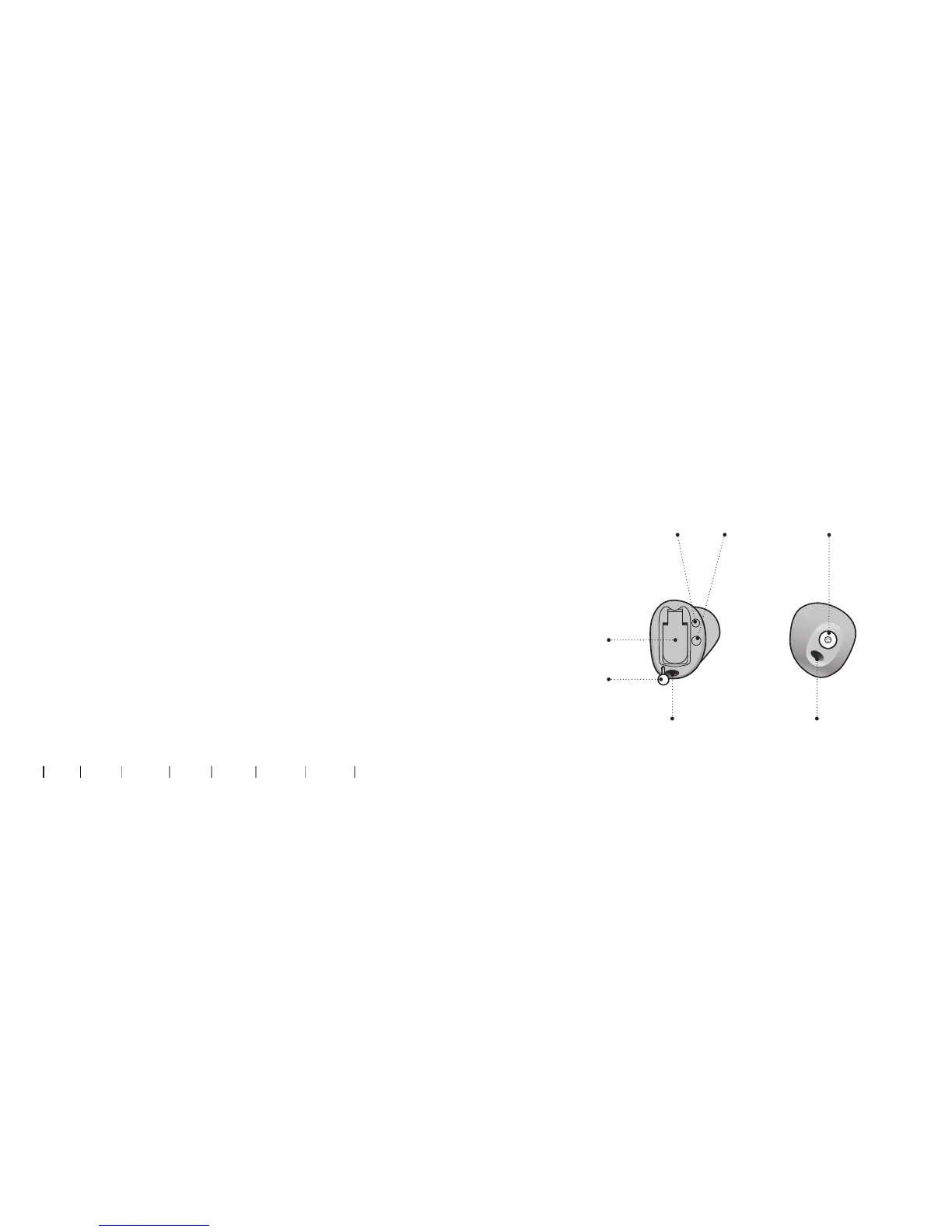
Components may be positioned differently on your hearing aid.
Size 10 battery (CIC shown)
What it is and does
Battery drawer
Contains the
battery and
functions as
on/o switch
Pull out string
Pull out the
hearing aid
Sound outlet
Sound out
Vent Vent
Push button
(optional)
Mute, change
volume and
program
Microphone inlet
Sound in

Related product manuals