30
About Start-up Handling Options Tinnitus Warnings More info
Flight mode
When flight mode is activated, Bluetooth® is turned off. The
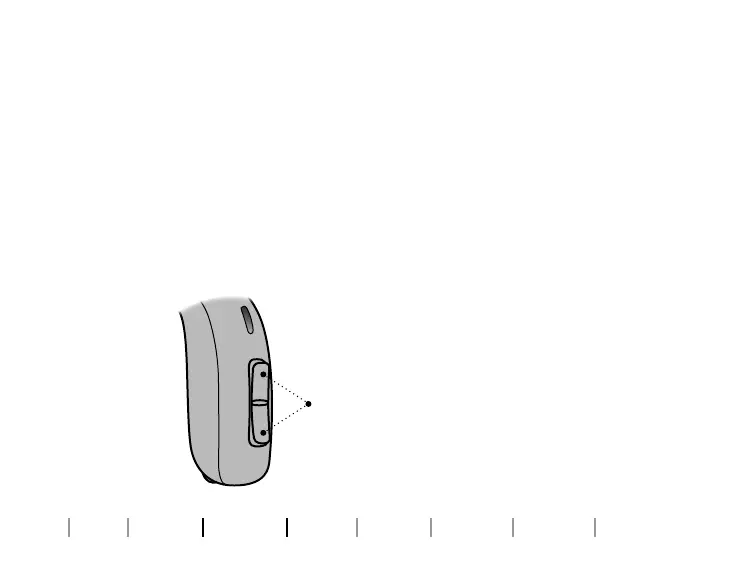
hearing aid will still be working. Pressing the push button on one
hearing aid will activate flight mode on both hearing aids.
Optional LED
The LED will flash green, red, red a few times. This confirms that
flight mode is activated.
To activate and deactivate Press the
push button for at least 7 seconds.
A jingle confirms your action.
Opening and closing the battery
drawer will also deactivate flight
mode.









 To Next Page