4.4 POTENTIOMETERS POSITION
Once you recall a preset, the physical position of a pot may not be the
same as in the preset.
To prevent a sudden jump of volume after recalling a preset, the preset
value will reach the pot value in a smooth fade of 1 second.
If you want to know the original value of a pot in the preset you just re-
called, keep pressing the BRAIN switch and move this pot. The BYPASS
switch turns blue when the pot reaches the preset value.
4.5 FACTORY PRESETS
The 16 BISCUIT presets contain factory settings called the factory pre-
sets.
By saving your own presets, you will erase these factory presets.
You can still recall these 16 factory presets whenever you want. While
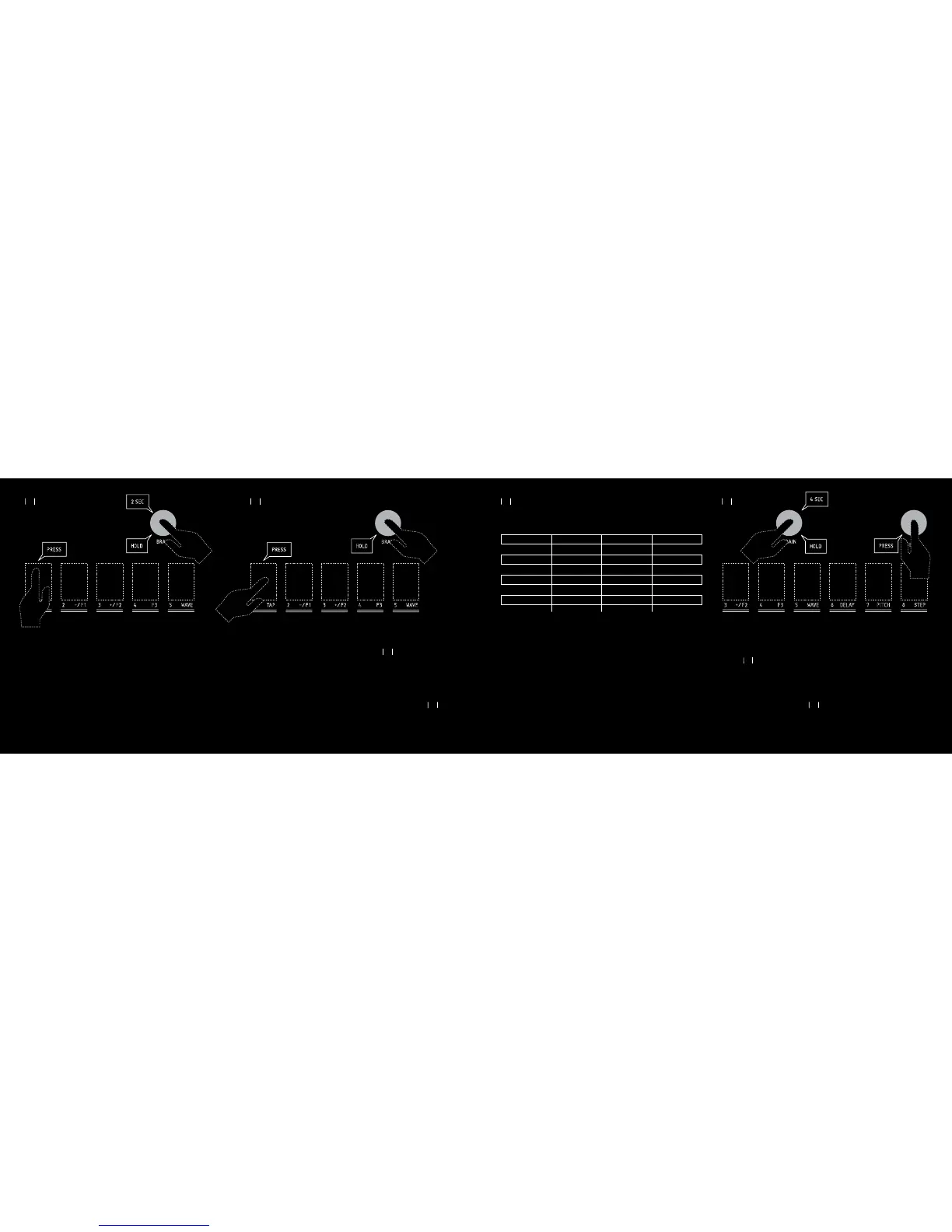
pressing the BRAIN switch, press the FILTER switch. Keep pressing the
BRAIN switch for 4 seconds. The switches 1 to 8 will first flash red
after 2 seconds, and will flash pink 2 seconds later. Press one of the
switches 1 to 8 to recall the desired factory preset. Switches stop flashing.
Only the selected switch stays alight for 2 seconds.
2
OLD COMPUTER
6
STEP FAZOR
10
CONTINENTAL
14
BECQUEREL
3
BITS BENDING
7
RUSTY JAM
11
NAUTILUS
15
DIRTY LEAD
1
LOVE 8
5
NOISE ADDER
9
BROKEN DELAY
13
DETUNE
4
DARK SIDE
8
DELAY DELay delay
12
MIDLINE
16
DIGITAL DUCK
27 28
27
28
4.3 SNAPSHOTS
You can save your 8 bits configuration in one of the 8 memory slots called
« Snapshot ».
Snapshots only save the 8 bits status. If you want to save all the BISCUIT
functions (pots, effects and parameters), use the Presets (cf Chap 4).
The 8 snapshots are independent from the presets.
SAVING A SNAPSHOT
While pressing the BRAIN switch, press the « 1 TAP » switch.
Keep pressing the BRAIN switch for 2 seconds.
The switches 1 to 8 flash red. You can now press one of the switches 1 to
8 to save the 8 bits status in the corresponding snapshot. The switches
revert to their regular states.
RECALLING A SNAPSHOT
While pressing the BRAIN switch, press the « 1 TAP » switch. The
switches 1 to 8 flash white. You can now press one of the switches 1 to 8
to recall the corresponding snapshot. The switches stop flashing and revert
to their regular states.



 To Next Page