05
TT TV BOX
06
TT
TV BOX
3.3 Startup
Turn on the TV box while indicator light is blue. Enter into main menu at about 30 seconds.
Chapter 4 Home
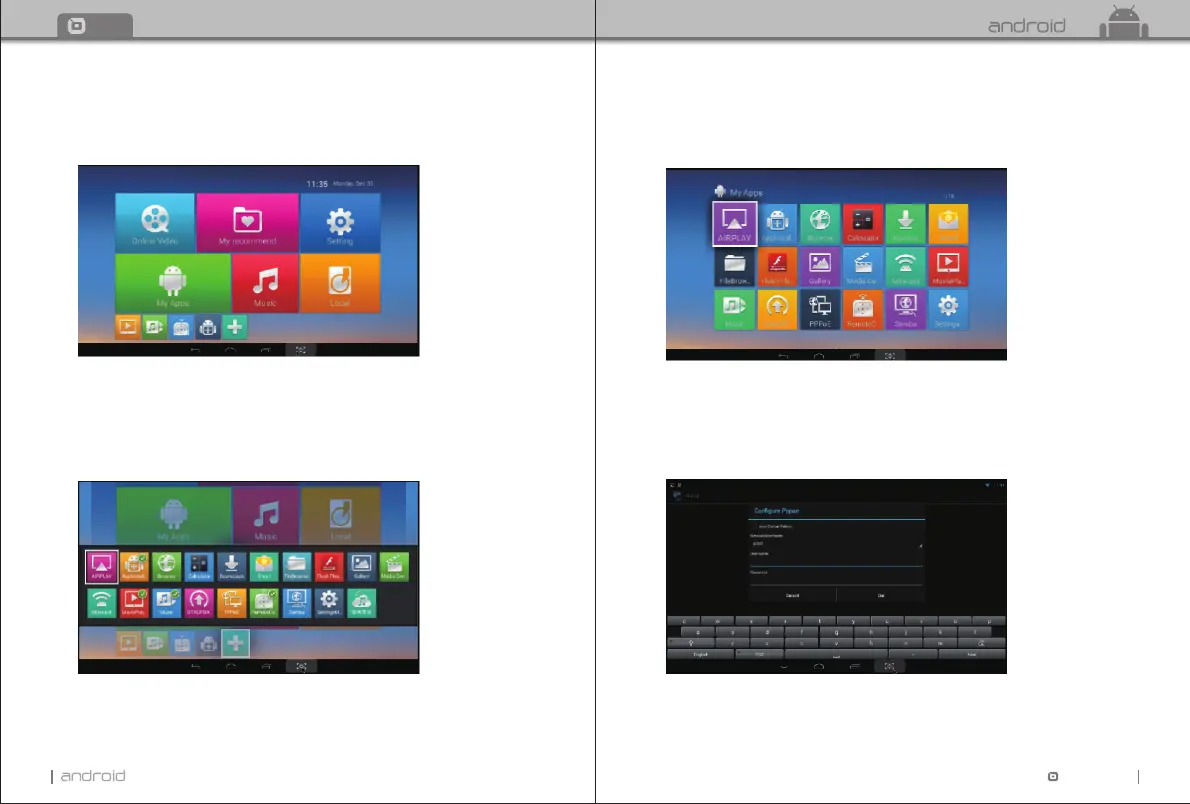
There are apps which you usually use.
You can add the apps according to your own preference.
Please tick the apps you need. Tick it again when you don’t need it.
Chapter 5 My Apps
Move to “My Apps”, Press OK to enter in.
You can see icons referring to different function on the picture.
5.1 PPPoE
Move to “PPPoE” icon, Press OK to enter in. You can configure PPPoE here.


 To Next Page