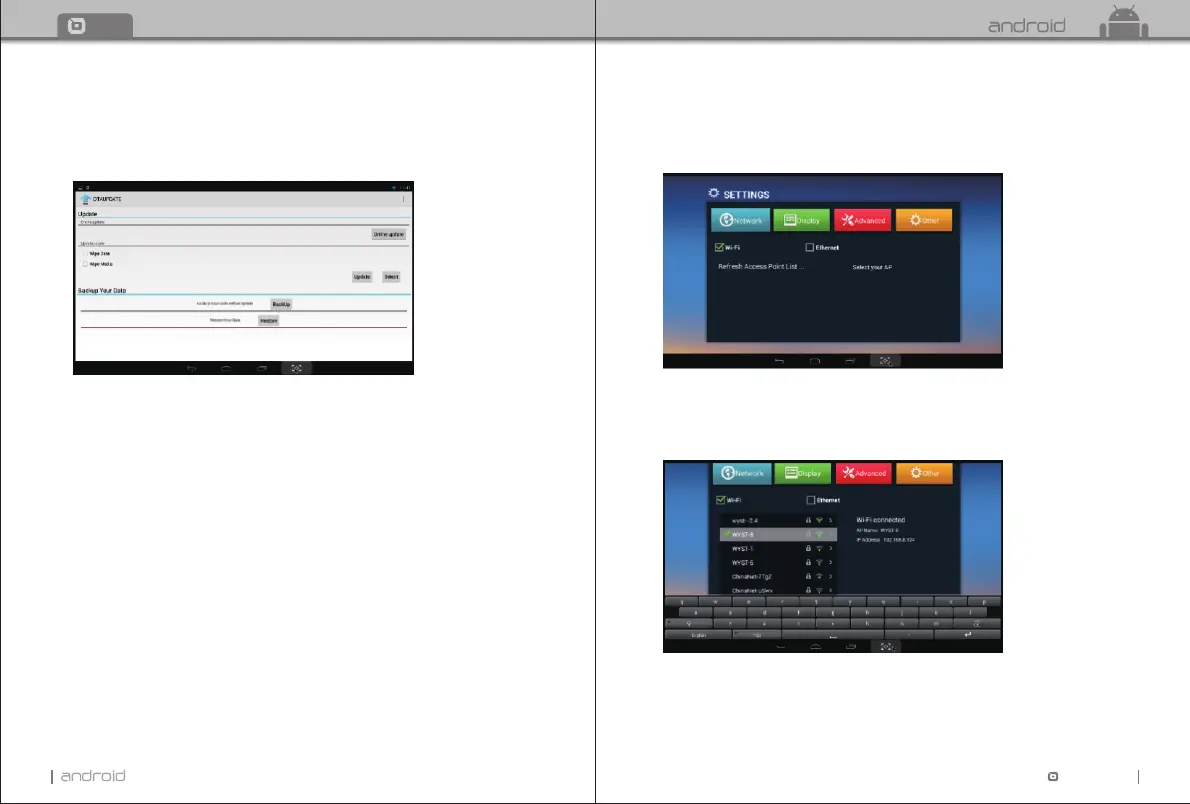
5.9 OTA update Optional
Move “OTA update” icon, press OK to enter.
Click “online update” If there is an update in server, you can choose to download it.
After upgrade is finished, system will restart automatically.
11
TT TV BOX
12
TT
TV BOX
Chapter 6 Settings
6.1 Network
Wi-Fi
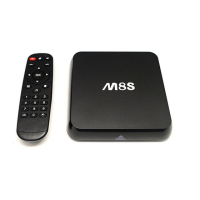
Select “Wi-Fi”, System will start scanning available Wi-Fi networks around you automatically.
Press OK to choose your Wi-Fi network and enter your password.
After authenticating IP address, when “connected” is shown, Wi-Fi is available now.
Notice: If Wi-Fi connection failed, please try again.


 To Next Page