Miracast: Please make sure TV box and mobile phone under the same WI-FI
environment .Press “Miracast” on TV box. It will find peers automatically, and click “setting”
on your mobile phone, enter into “WLAN”, Click “Menu” to choose “WLAN Display” on your phone.
Choose to share files.
Miracast
5.8 Muti-interaction
Move to “Airplay” icon or “Miracast” icon, Press OK to enter in.
Airplay: Download airplay application according to the model of the mobile phone. Enter into
Airplay, connect with the same WI-FI hotspot. Play video, picture, or music on your phone. Click
the “airplay” icon on the phone to share files.
Airplay
09
TT TV BOX
10
TT
TV BOX
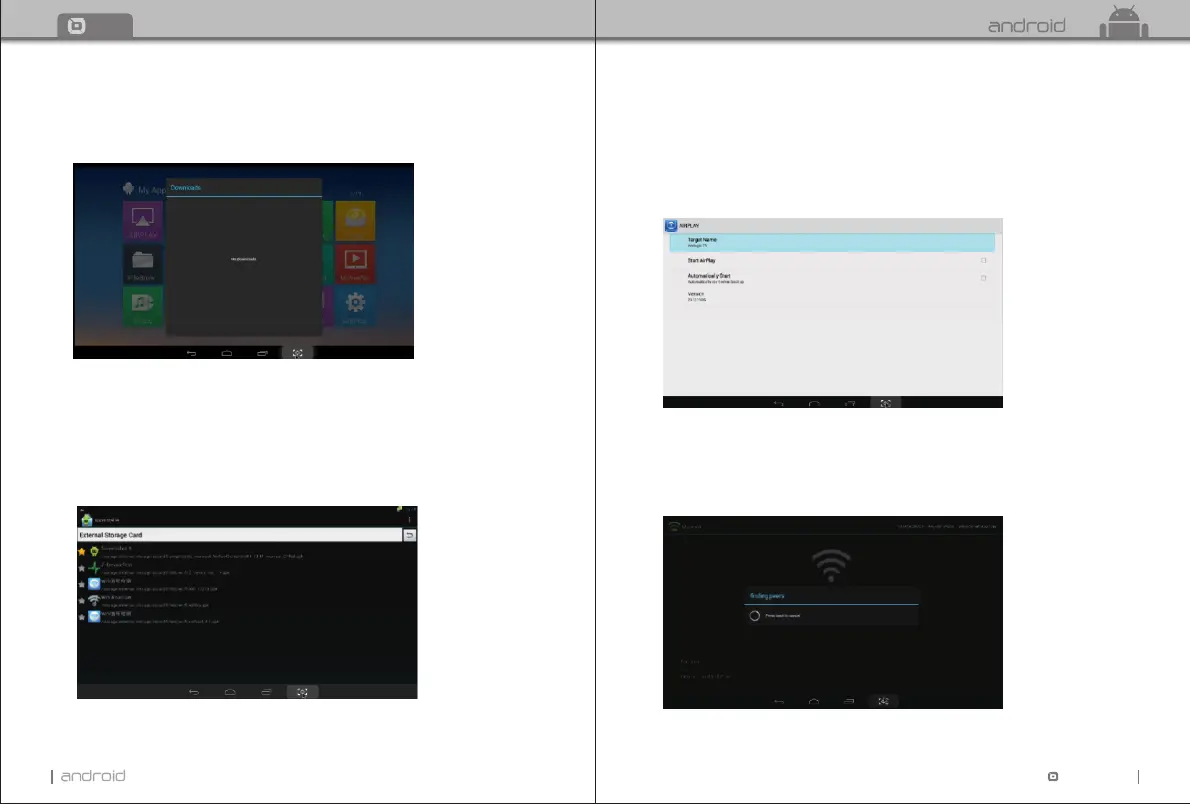
5.6 Download
Move to “Downloads”. Press OK to enter in. You can check the status here when
downloading APKs from the internet.
5.7 App Installer
Move to “App Installer”. Press OK to enter in.
You can install software by this app installer function. Please first download your desired
software by apk formats from the computer to the USB. You will choose your desired
device in order to scan the apks.
Press OK to install your desired software.
After the installation finished, the software icon will be shown on the applications menu.


 To Next Page