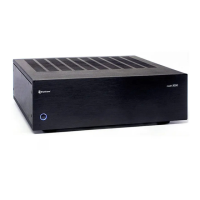
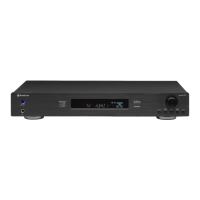
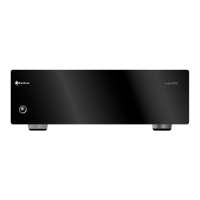
Model 5000 Five-Channel Power Amplier
9
Turning the Model 5000
on and o manually
Turning the Model 5000
on and o automatically
Amplier
Operation and
Maintenance
After all connections have been made
you are ready for listening. It is recommended
that you turn on the source components and
processor in your system rst and turn on your
amplier LAST. This avoids the possibility of any
turn on pops or transients from other equipment
being amplied and sent to your speakers where
they may cause damage. Always start with a
low volume level on your controller or preamp to
avoid damage to your speakers.
Overview Manual Operation
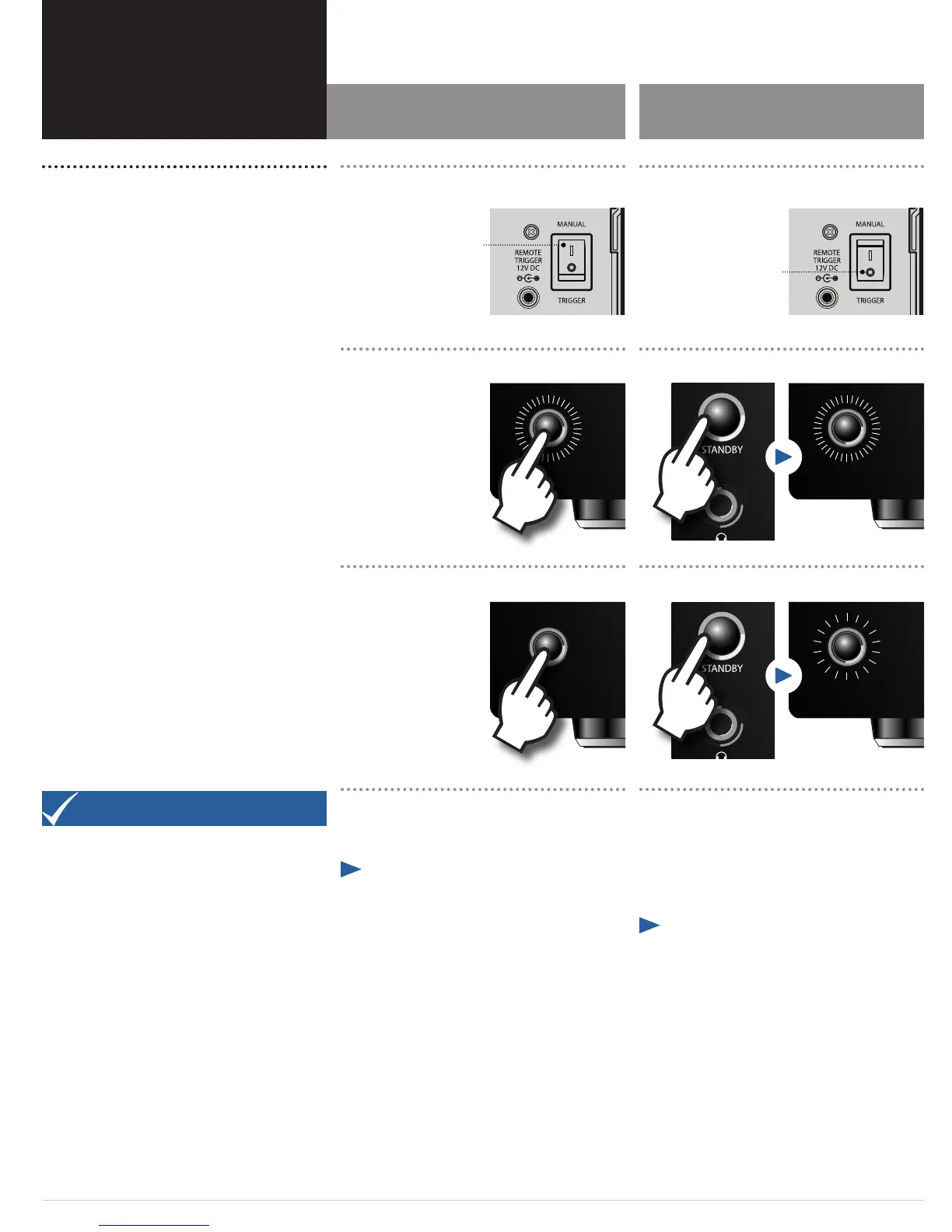
To use the Model 5000 in manual mode the MANUAL/TRIG-
GER switch on the rear panel should be set to Manual as
described on page 8.
¼ To power the Model 5000 on and o using the
front panel Power button:
1. To turn the amplier on, press the Power button
on the front panel.
The blue ring will glow brightly.
There will be a short pause from the time the power is
turned on until power is applied to the speakers. This is
intentional, and protects your speakers from damage while
the amplier stabilizes. You may also hear a relay click
during start up. This is also normal.
2. To turn the amplier o, press the Power button
on the front panel again.
The light in the Power button’s blue ring will go out.
Automatic Operation
To power the Model 5000 on and o automatically using another
device, the MANUAL/TRIGGER switch on the rear panel should be
set to Trigger and the 3.5mm cable should be inserted to the Model
5000 and the source device as described on page 8. The blue ring
around the Power button will glow dimly when the Power switch is
in the ON position, indicating the amplier is in Standby mode.
¼ To power the Model 5000 on and o automati-
cally using the REMOTE TRIGGER connection from
another controlling device:
1. Turn the controlling device on.
The blue ring will glow brightly.
The Model 5000 will automatically turn on after a short
pause. This is intentional, and protects your speakers from
damage while the amplier stabilizes. You may also hear a
relay click during start up. This is also normal.
2. Turn the controlling device o.
The Model 5000 will return to Standby mode and the blue
ring around the Power will glow dimly again.
You can also use the Power button on the front panel of the
Model 5000 to turn the amplier o.
Before you Begin
When operating the Model 5000 you should not place
another device directly on top of the amplier as this will
block the ventilation slots on the top of the unit and cause
the device to overheat. We suggest leaving at least 3 inches
of space above the amplier for proper operation.
Output Settings
All volume and level adjustments are made at your preamp,
controller or surround processor. To assure proper sound
eld imaging, it is always a good idea to re-set the output
levels of the channels on your processor when using the
amplier for the rst time. The circuitry in your new
amplier may be dierent from your previous one, and by
checking the output levels you will make certain that the
processor, amplier and speakers are properly matched.
Turning the amplier on Turning amplier on with controlling device
Turning the amplier o Turning amplier o with controlling device
Switch should
be set to Manual
Switch should
be set to Trigger


 To Next Page