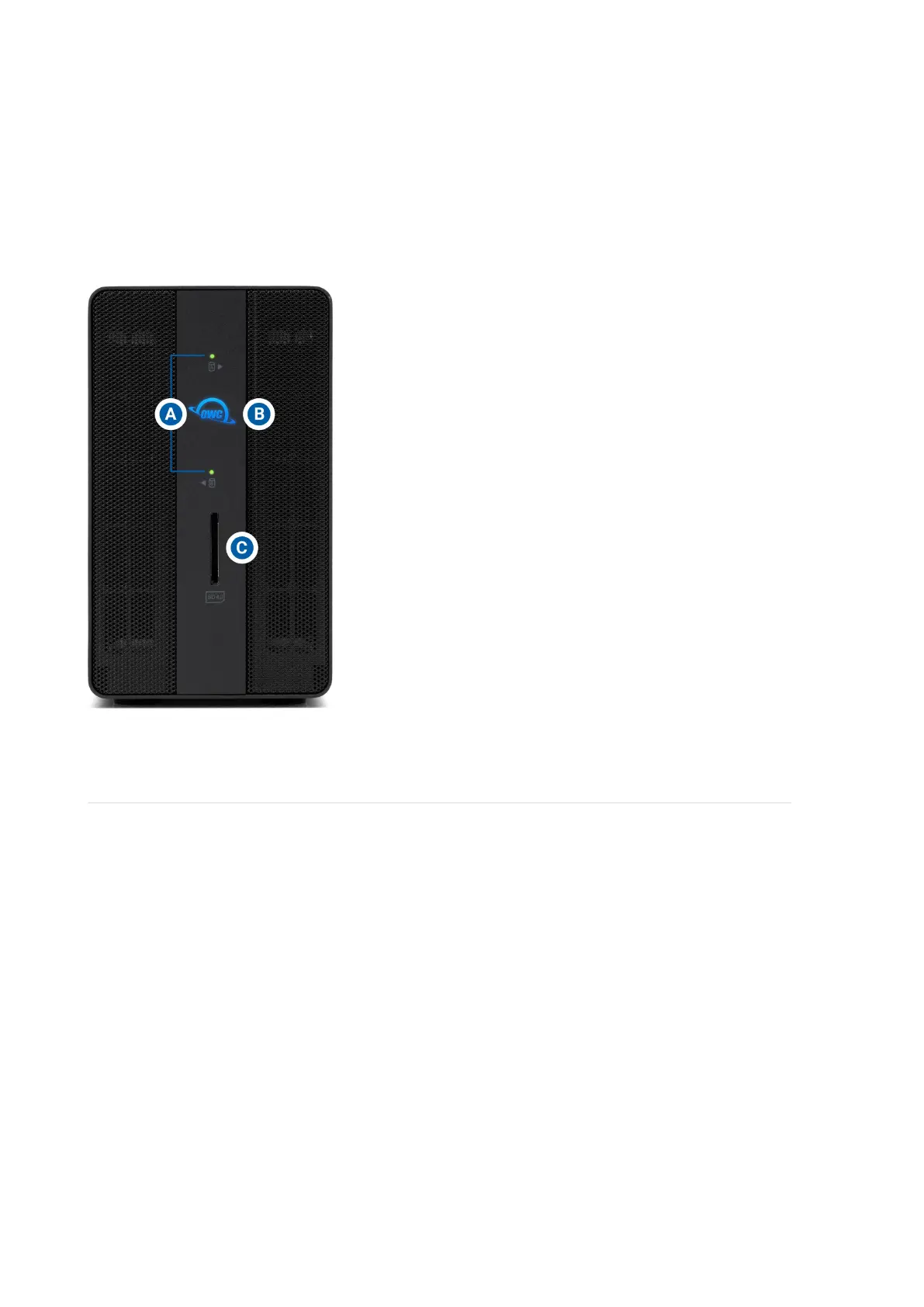
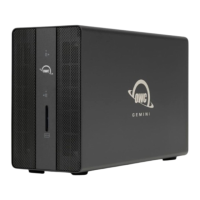
A. (2) Drive Status LEDs – Solid red for SATA disk errors or missing disks.
Blinks green during SATA drive activity. Blinks blue during U.2 drive activity.
Note : Red LED indication for missing or failed drives is disabled for U.2 drives
and drives used in Independent Mode
B. (1) Power LED – Solid white when connected to power. Solid blue when
connected to both power and an active system.
C. (1) SD Media Slot – Supports SD 4.0 in UHS-II (Ultra High Speed II) with
bus speed up to 312 MB/s (full duplex) or 156 MB/s (half duplex).
1.4 Rear View
A. (2) USB 3.2 Gen 2 Type-A hub ports – Supports USB devices with a Type-A
connection
B. (1) Ethernet port – Left LED will show Green for 10M/100M/1G connections.
Left LED will show orange for 2.5G connection. Right LED will show green for an
established link and blink green during network activity.
C. (2) OWC ClingOn ready cable stabilizer mounts – OWC ClingOn can
further secure Thunderbolt (USB-C) device cables(s). (Sold separately at
go.owc.com/clingon ).
D. (2) Thunderbolt 3 ports – 40Gb/s, 27W Dynamic Power Delivery. 27W
delivery to primary connected system or device. 15W delivery to secondary
connected system or device.
E. (1) HDMI 2.1 port – Supports a HDMI 2.1 display.
F. (1) Kensington Security slot – Attach a Kensington Security lock.
G. (1) DC IN power port - Connect the power adapter to power the device.
H. (1) RAID Set button – Press and hold to confirm the selected RAID mode.
I. (1) RAID selector dial – Select a desired RAID mode. See Section 2.4
“Hardware RAID Configuration” for more details regarding RAID management.




 To Next Page