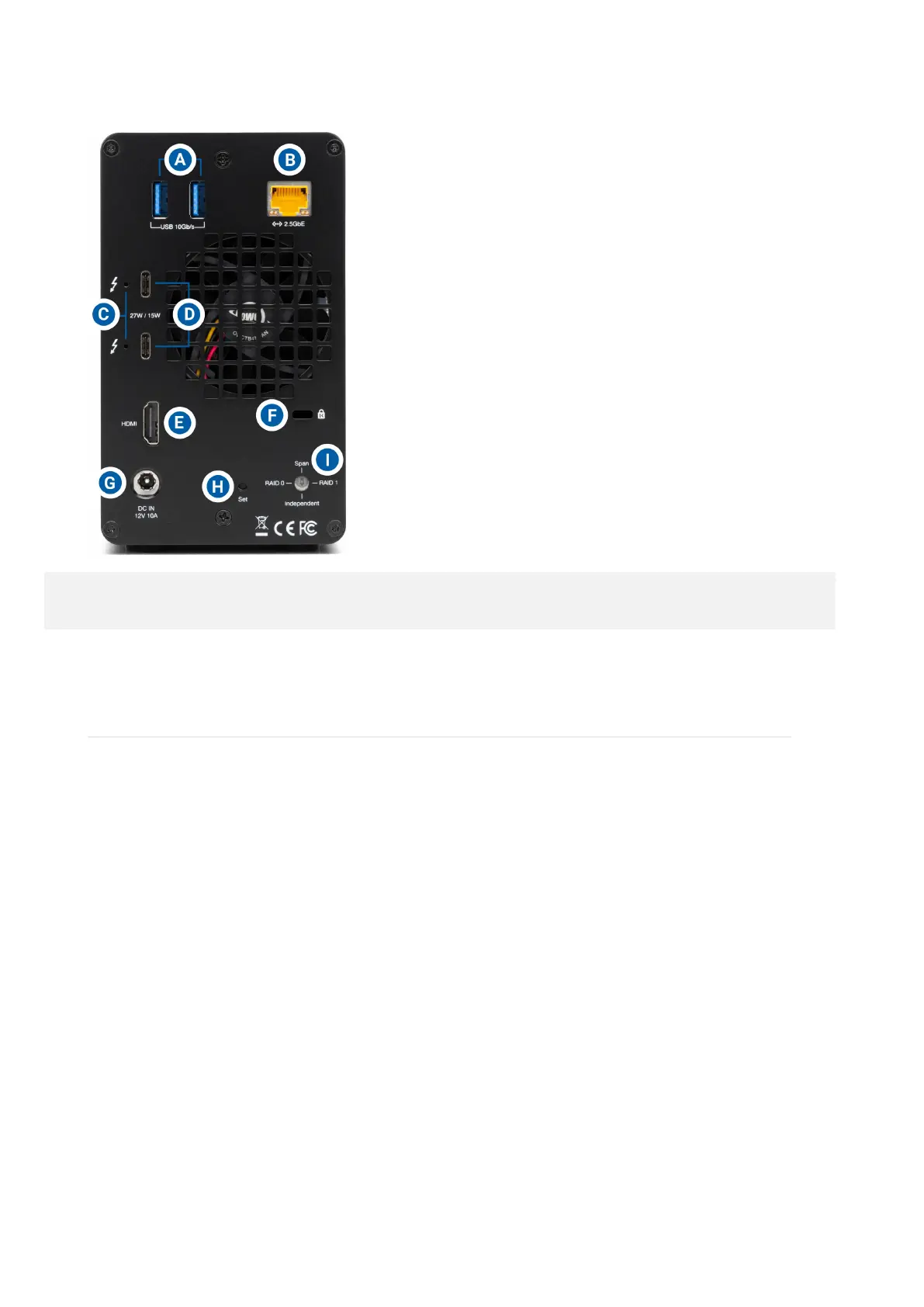
NOTE : Only works with SATA drives
Getting Started
2.1 Device Setup
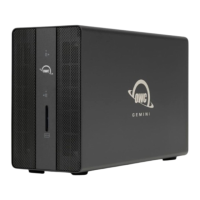
This section describes the process of setting up the OWC Gemini if purchased with
pre-installed drives. The OWC Gemini is available with several assembly and
configuration variations.
If the OWC Gemini is assembled with (2) SATA drives.•
Both drives are configured as a Hardware RAID 0.•
If the OWC Gemini is assembled with (1) SATA drive and (1) NVMe drive.•
Both drives are configured as an Independent RAID.•
If the OWC Gemini is assembled with (2) U2 ShuttleOnes for a total of (2) M.2 NVMe
drives.
•
Both drives are configured as an OWC SoftRAID RAID 0.•




 To Next Page